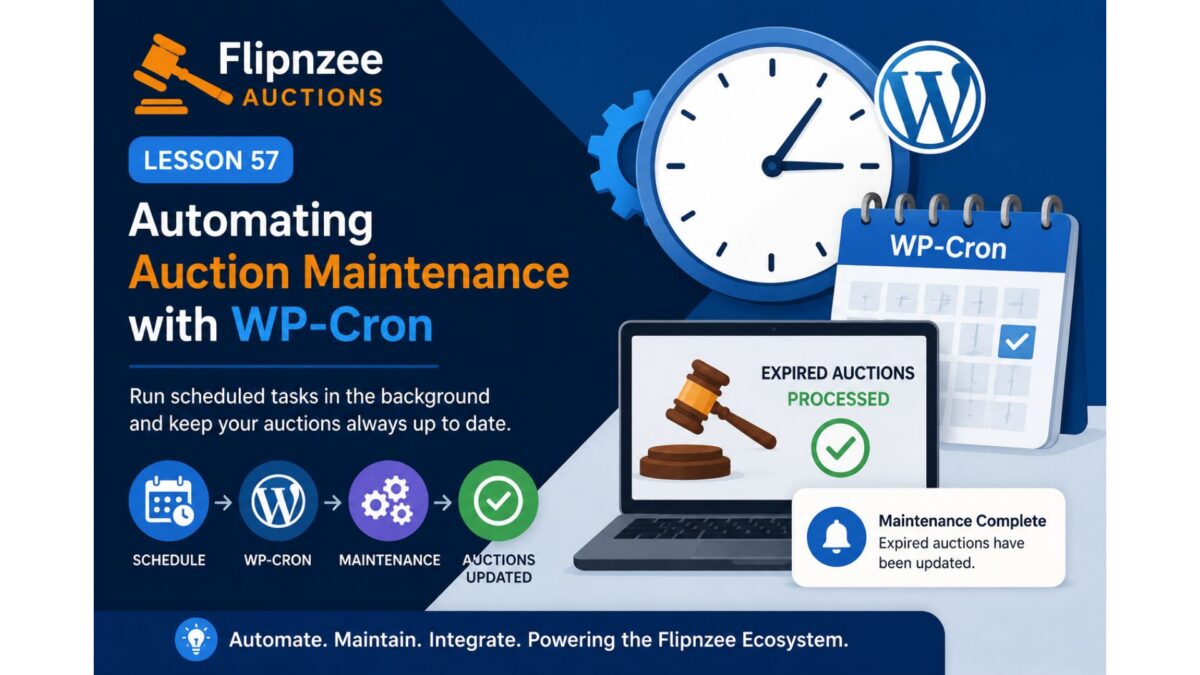
Lesson 104: Automatic Auction Closure via WP-Cron


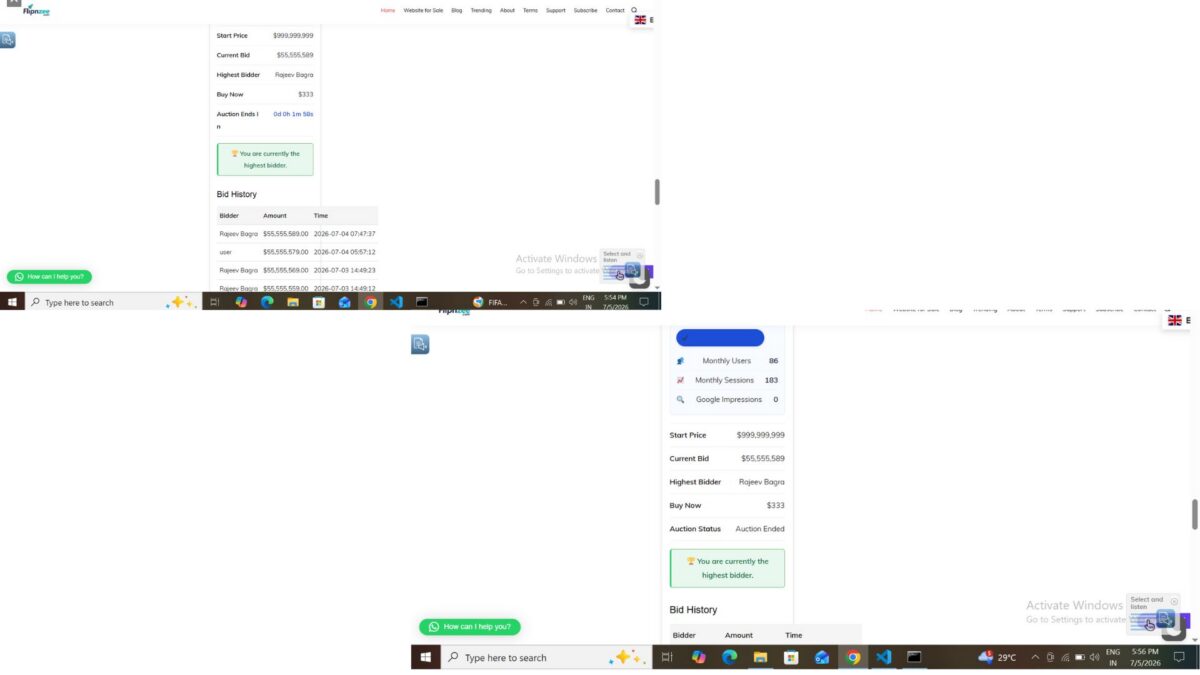
In the previous lesson, we completed the backend workflow that creates a transaction and transfer record immediately after an auction is closed. However, auctions still depend on an administrator manually changing their status from Active to Closed.
In Lesson 104, we will remove this dependency by implementing automatic auction closure.
Objective
Automatically detect auctions whose end time has passed and close them without administrator intervention.
After an auction expires, the plugin should:
Auction End Time Reached
            ↓
WP-Cron Executes
            ↓
Auction Status → Closed
            ↓
Determine Winner
            ↓
Create Transaction
            ↓
Create Transfer
            ↓
Log Activity
This ensures that auctions finish on time even when no administrator is logged into WordPress.
Why This Lesson Is Important
A real auction platform cannot rely on an administrator to manually close every auction.
Without automatic closure:
- Auctions may remain Active long after expiry.
- Users can continue placing bids after the deadline.
- Winners are not declared promptly.
- Transactions are delayed.
- Website transfers cannot begin.
Automatic closure solves all of these issues.
Existing Foundation
Fortunately, most of the difficult work has already been completed.
Previous lessons already provide:
- Auction Manager
- Bid Manager
- Winner Determination
- Transaction Manager
- Transfer Manager
- Activity Log
- Scheduled maintenance hook
Lesson 104 simply connects these components into an automated workflow.
Implementation Plan
Step 1
Review the existing scheduled maintenance hook.
Verify that the plugin activation registers an hourly scheduled event if it is not already present.
Step 2
Create a method that searches for expired auctions.
Conditions:
- status = Active
- auction_end <= current WordPress time
Step 3
For every expired auction:
- Update status to Closed
- Determine winner
- Fire the winner-determined action
- Create transaction
- Create transfer
- Write activity log
Step 4
Prevent duplicate processing.
If an auction has already been closed or a transaction already exists, skip it.
Step 5
Add detailed logging.
During development, log events such as:
Cron started

Expired auction found

Auction closed automatically

Winner determined

Transaction created

Transfer created

Cron completed
These logs will help verify the automation before removing or reducing debug output.
Database Impact
The following tables will be updated automatically:
wp_flipnzee_auctionswp_flipnzee_transactionswp_flipnzee_transfer_status- Activity Log table
No schema changes are expected.
Expected Workflow
Once implemented, administrators will no longer need to manually close auctions.
The complete lifecycle will become:
Create Auction
        ↓
Auction Starts
        ↓
Users Place Bids
        ↓
Auction End Time Reached
        ↓
WP-Cron Detects Expiry
        ↓
Auction Closed Automatically
        ↓
Winner Determined
        ↓
Transaction Created
        ↓
Transfer Created
        ↓
Payment Workflow Begins
Benefits
After completing Lesson 104, Flipnzee Auctions will gain several production-ready capabilities:
- Automatic auction completion
- Accurate enforcement of auction end times
- Immediate winner declaration
- Automatic transaction generation
- Automatic transfer initialization
- Reduced administrator workload
- Improved marketplace reliability
Learning Outcomes
By the end of this lesson, we will understand:
- How WordPress WP-Cron works.
- How to schedule recurring maintenance tasks.
- How to safely process expired auctions.
- How to prevent duplicate cron execution.
- How to automate business workflows using existing plugin components.
Conclusion
Lesson 104 marks the transition from a manually managed auction system to a self-operating marketplace. By leveraging WordPress’s scheduling system, expired auctions will be processed automatically, ensuring that winners, transactions, and transfer records are created without administrator intervention. This is a significant step toward making the Flipnzee Auctions plugin suitable for real-world production use.