
Lesson 57: Automating Auction Maintenance with WP-Cron

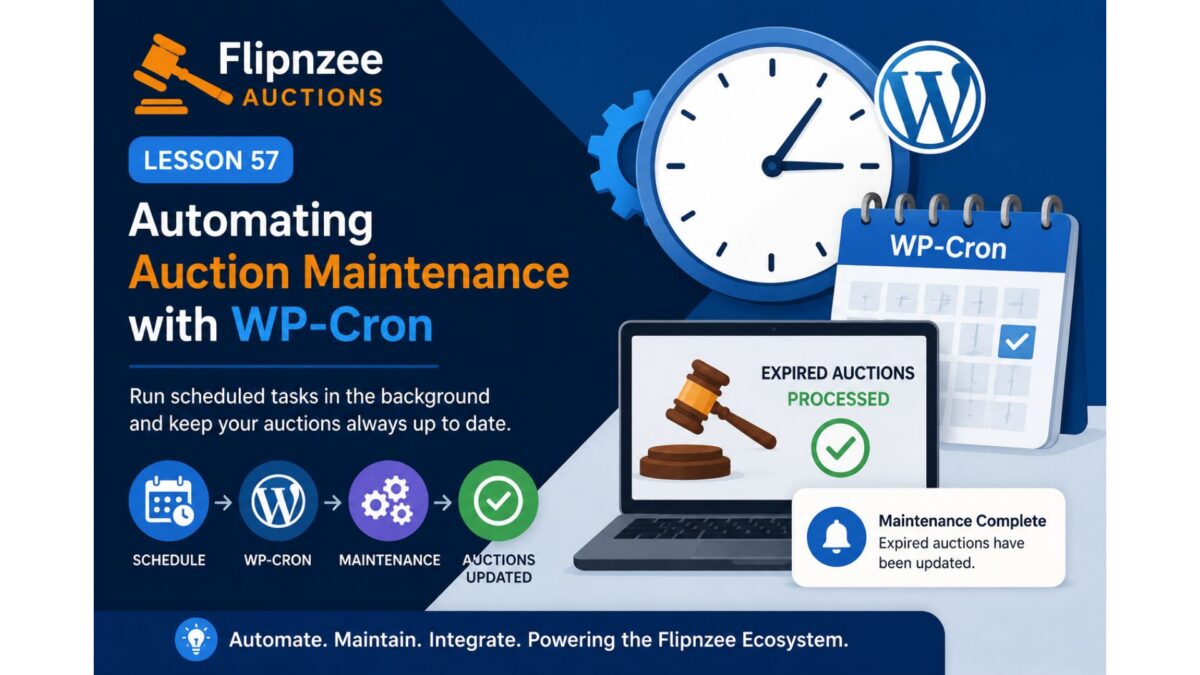
In previous lessons, Flipnzee Auctions learned how to automatically close expired auctions and notify the WordPress ecosystem when lifecycle events occur.
However, one limitation still exists.
The automatic lifecycle management only runs when someone visits a page that retrieves active auctions.
If nobody visits the website for several hours, an auction could technically remain active until the next page request.
Professional auction platforms don’t depend on visitors to keep their data up to date.
Instead, they perform routine maintenance in the background.
In this lesson, we’ll improve Flipnzee Auctions by integrating WordPress Cron (WP-Cron) so auction maintenance runs automatically at scheduled intervals.
Why This Lesson Is Needed
Currently, the workflow looks like this:
Visitor
    │
    ▼
Auction Page
    │
    ▼
Check Expired Auctions
    │
    ▼
Close Expired Auctions
This works well while visitors are browsing the website.
But imagine an auction ends at 2:00 AM.
If the next visitor doesn’t arrive until 8:00 AM, the auction won’t be processed until then.
For many websites, this delay may be acceptable.
For a professional auction platform, however, background processing provides a cleaner and more reliable design.
Understanding WP-Cron
Unlike a traditional Linux cron job, WP-Cron is part of WordPress itself.
Whenever WordPress receives a request, it checks whether any scheduled tasks are due.
If they are, WordPress executes them before continuing.
This allows plugins to perform routine maintenance without requiring administrators to manually trigger the process.
Our Existing Foundation
Fortunately, the plugin already contains the beginnings of a maintenance system.
During earlier development we introduced:
- a scheduled maintenance hook
- a maintenance callback
- lifecycle processing methods
This lesson will refine and complete that implementation instead of replacing it.
Planned Improvements
During this lesson we will:
- Review the existing scheduled maintenance architecture.
- Ensure only one scheduled event is registered.
- Improve the maintenance callback if necessary.
- Reuse the lifecycle methods introduced in Lessons 55 and 56.
- Verify that expired auctions can be processed through scheduled maintenance.
- Preserve backward compatibility with visitor-triggered lifecycle updates.
Expected Workflow
After this lesson, the plugin architecture will look like this:
WP-Cron
    │
    ▼
Scheduled Maintenance
    │
    ▼
Auction Manager
    │
    ▼
Update Expired Auctions
    │
    ▼
Fire Lifecycle Hook
    │
    ▼
Future Flipnzee Plugins
This creates a single, reusable lifecycle pipeline regardless of how maintenance is triggered.
Why Reuse Existing Methods?
One important principle of software development is avoiding duplicated logic.
Rather than writing a second version of auction expiry processing specifically for WP-Cron, the scheduled task should simply call the same lifecycle methods already used elsewhere in the plugin.
This keeps maintenance simple and reduces the risk of inconsistent behaviour.
Learning Objectives
In this lesson we’ll learn:
- How WP-Cron works.
- Scheduling recurring events.
- Preventing duplicate scheduled events.
- Reusing business logic.
- Building reliable background maintenance.
- Improving plugin architecture through code reuse.
Files Likely to Change
Depending on the current implementation, we may modify:
flipnzee-auctions.php
includes/class-auction-manager.php
No database changes are expected.
No frontend changes are expected.
Benefits
Completing this lesson will allow Flipnzee Auctions to:
- Automatically process expired auctions.
- Keep auction data synchronized even during quiet periods.
- Reuse existing lifecycle logic.
- Continue supporting future integrations introduced in Lesson 56.
- Move closer to a production-ready auction platform.
Looking Ahead
Once scheduled maintenance is fully operational, future lessons can build on it to introduce:
- Winner notifications
- Seller notifications
- Scheduled reminder emails
- Analytics synchronization
- Activity logs
- Automatic cleanup tasks
Because the lifecycle pipeline is already centralized, each new feature can build upon the same architecture.
Conclusion
Lesson 57 focuses on moving auction maintenance into the background using WordPress WP-Cron.
Rather than relying solely on visitors to trigger lifecycle processing, the plugin will begin performing routine maintenance automatically, making the auction platform more reliable, scalable, and suitable for real-world deployments.
This lesson continues the steady evolution of Flipnzee Auctions from a functional auction plugin into a professional, event-driven WordPress platform built on clean architecture and reusable components.