
How to Verify That Your WordPress Plugin Created a Database Table (Hostinger phpMyAdmin & Other Methods)

When developing a WordPress plugin, one of the most satisfying moments is seeing your first custom database table appear.
In our Flipnzee Auctions series, we created the wp_flipnzee_auctions table using WordPress’s dbDelta() function.
But how do we know the table was actually created?
There are several ways to verify this. In this article, I’ll show the method I used while developing Flipnzee Auctions on Hostinger, along with several other approaches that work on different hosting providers.
Why Verify the Database?
Suppose you activate your plugin and nothing appears to happen.
Did the activation hook run?
Was the SQL correct?
Did dbDelta() create the table?
Rather than guessing, it’s always a good idea to verify the database.
Method 1 – Using Hostinger phpMyAdmin (Recommended)
Since Flipnzee.com is hosted on Hostinger, this is the method I personally used.
Step 1
Log in to your Hostinger hPanel.
Step 2
Open:
Websites → Manage
for your WordPress website.
Step 3
Open:
Databases → phpMyAdmin
Step 4
Select your WordPress database.
You’ll see all WordPress tables listed in the left sidebar.
Step 5
Scroll through the list.
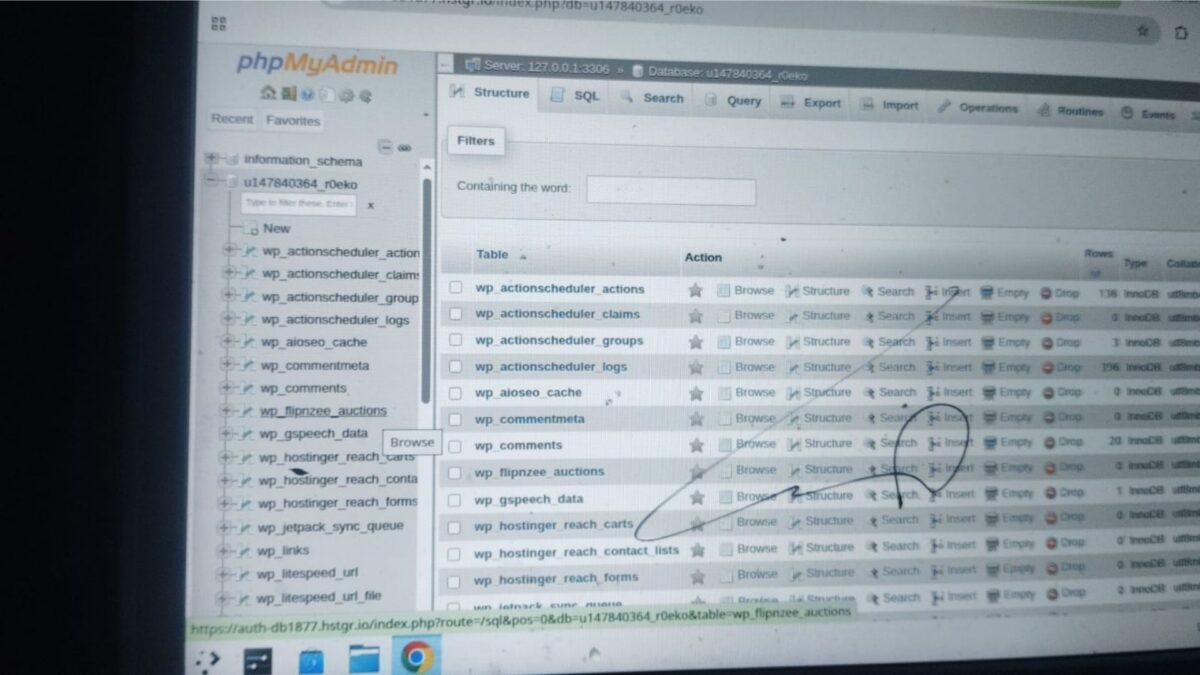
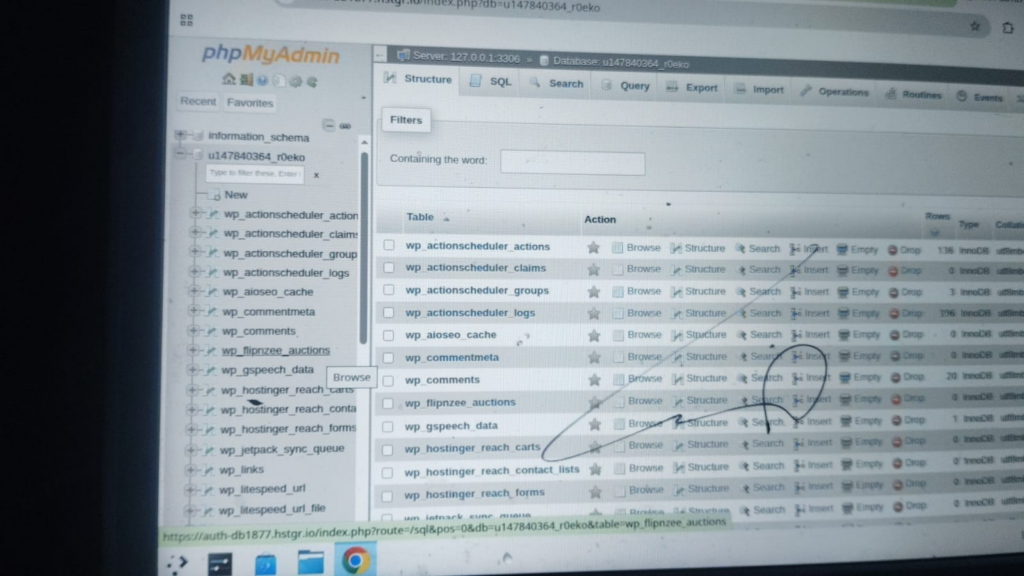
After activating the Flipnzee Auctions plugin, I found the newly created table:
wp_flipnzee_auctions
This confirmed that the activation hook executed successfully and that WordPress created the database table.
My Development Screenshot
The following screenshot shows the actual database used while developing the Flipnzee Auctions plugin.
Notice the presence of the wp_flipnzee_auctions table among the standard WordPress tables.
Method 2 – phpMyAdmin on Other Hosting Providers
Most shared hosting providers offer phpMyAdmin.
For example:
- cPanel Hosting
- Bluehost
- SiteGround
- DreamHost
- A2 Hosting
- Namecheap Hosting
The process is almost identical:
- Open phpMyAdmin.
- Select your database.
- Look for your custom table.
Method 3 – MySQL Workbench
Many professional developers use:
- MySQL Workbench
Connect using your database credentials.
Refresh the database.
Your custom table should appear automatically.
Method 4 – Adminer
Adminer is a lightweight alternative to phpMyAdmin.
Many developers prefer it because it’s fast and easy to use.
Simply connect to your database and check whether your table exists.
Method 5 – DBeaver
Another popular database tool is DBeaver.
It’s free and supports multiple database systems.
After connecting to your WordPress database, simply refresh the tables list.
Method 6 – Create an Admin Dashboard (Future Lesson)
As our plugin evolves, we won’t need to open phpMyAdmin every time.
Instead, we’ll build an administration page inside Flipnzee Auctions that displays information such as:
Plugin Status

✓ Plugin Active

✓ Database Connected

✓ Auction Table Exists

Version 1.0.0
This provides a much friendlier experience for plugin users.
We’ll build this later in the series.
Which Method Should Beginners Use?
If you’re just getting started with WordPress plugin development, phpMyAdmin is usually the easiest place to begin because it lets you see exactly what’s happening behind the scenes.
As you become more experienced, you’ll probably rely more on dedicated database tools or build your own plugin diagnostics.
Lesson Learned
Creating a database table is only half the job.
Professional developers always verify that the database matches what the code intended to create.
Developing the habit of checking your database after major schema changes can save hours of debugging later.
Final Thoughts
One of the goals of the Flipnzee Auctions project is not just to build a marketplace plugin, but to understand what happens behind the scenes as WordPress plugins interact with the database.
Learning to inspect your database is an important step toward becoming a confident WordPress developer.
As we continue this series, we’ll gradually move from simply creating tables to inserting records, updating them, retrieving data, and eventually powering a complete website marketplace.