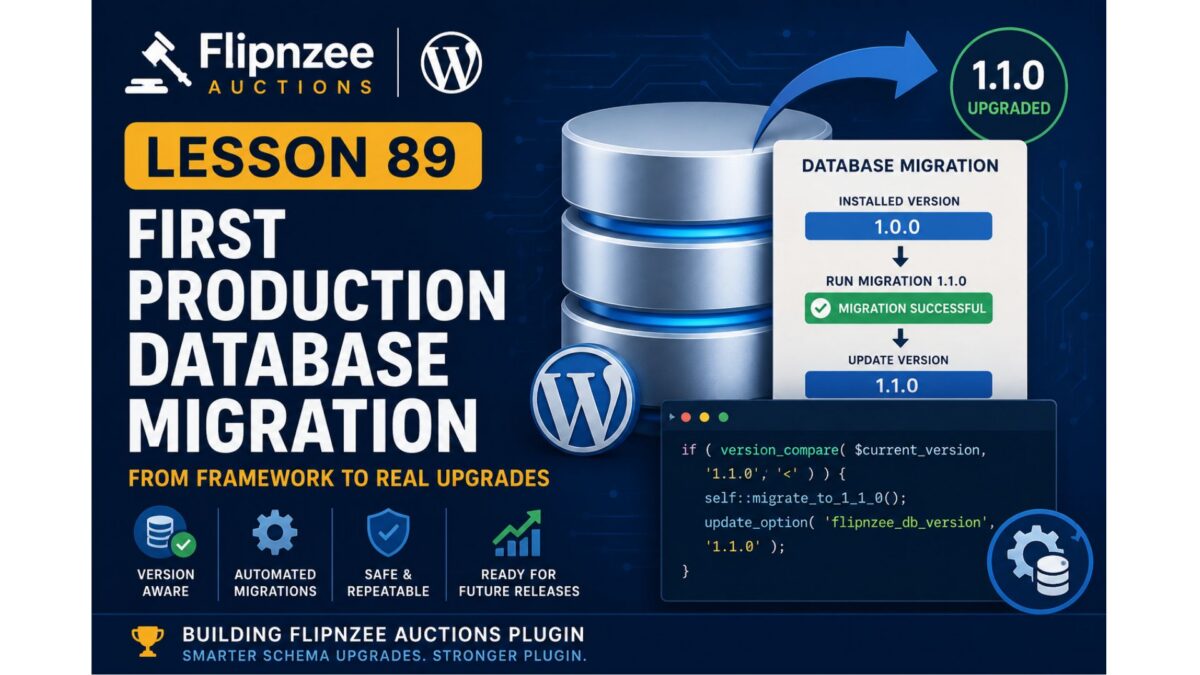
Lesson 89 Implementation: Implementing the First Production Database Migration

Series: Building the Flipnzee Auctions Plugin
Lesson: 89
Project: Flipnzee Auctions
Topic: Implementing the First Production Database Migration Framework
Introduction
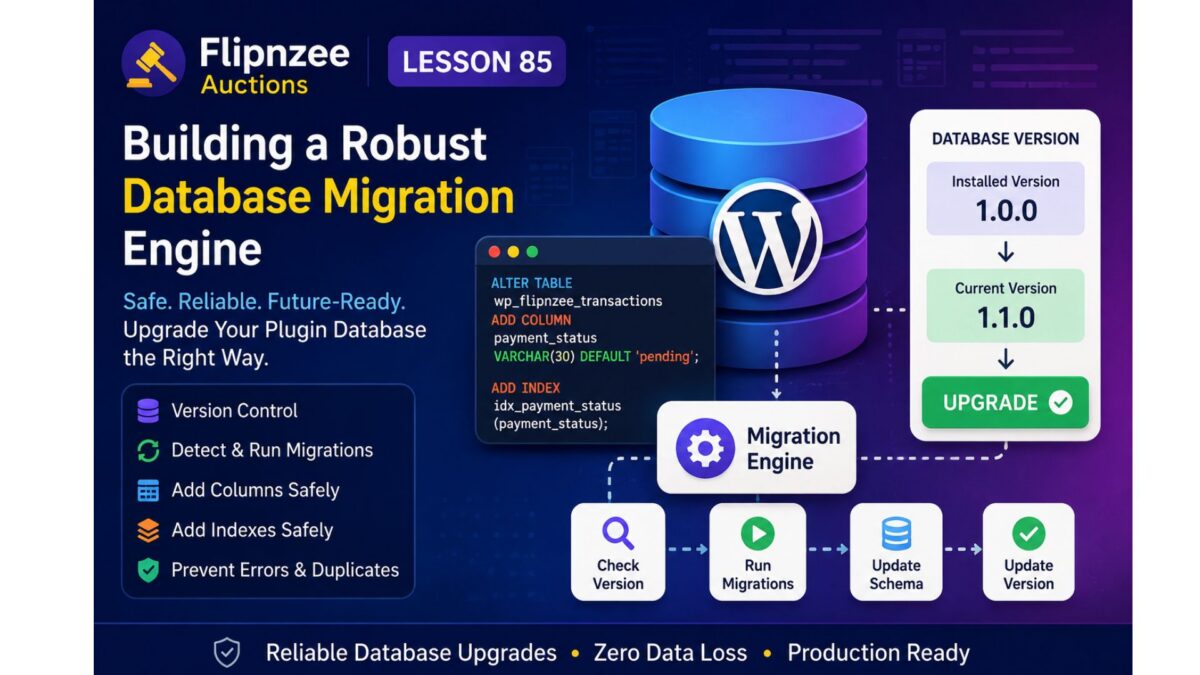
After several lessons dedicated to improving the database architecture of the Flipnzee Auctions plugin, Lesson 89 marks an important milestone: the migration framework is now capable of performing version-controlled database upgrades.
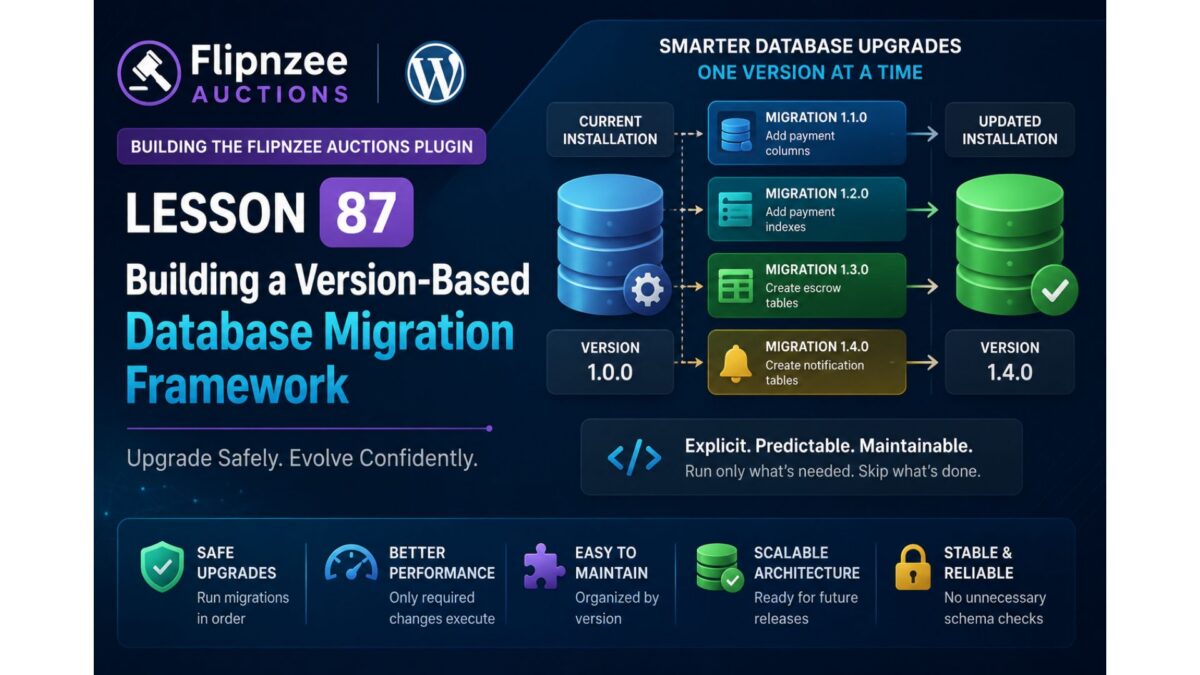
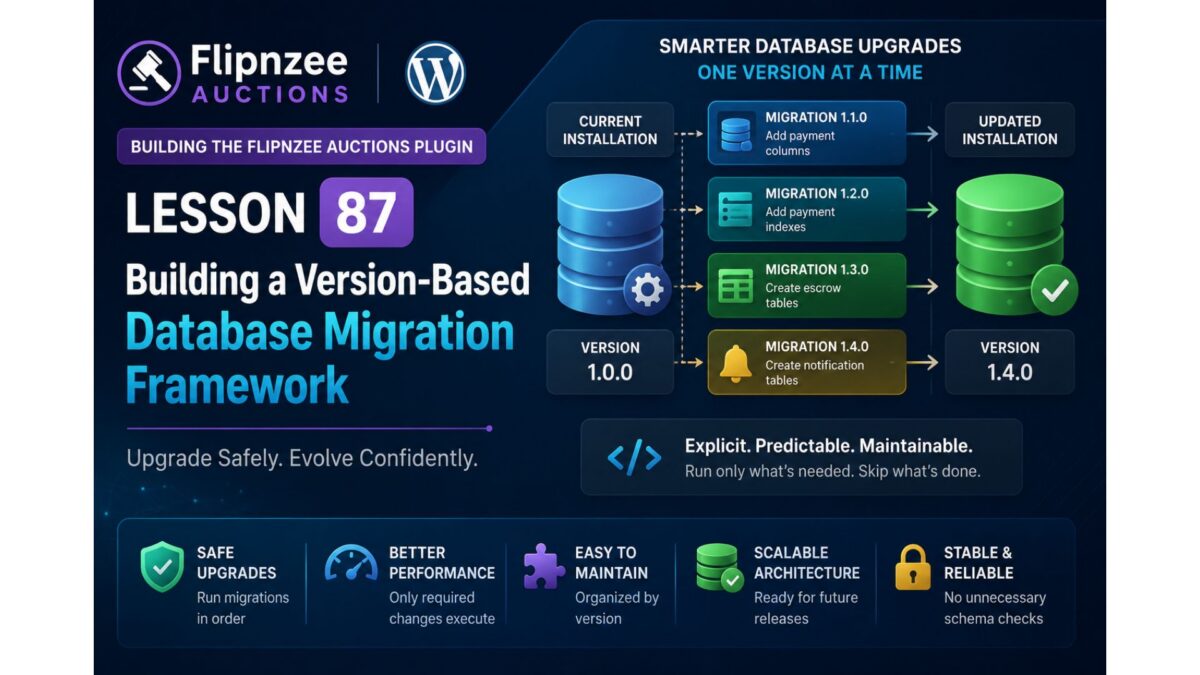
Rather than continuing to rely on repeated dbDelta() executions during plugin activation, the plugin now follows a structured migration process that executes upgrades only when necessary based on the stored database version.
Although the first migration introduced in this lesson does not yet modify the database schema, it establishes the complete migration lifecycle that future releases will use.
Objectives
The goals of this lesson were to:
- implement the first production migration runner,
- introduce version-based migration execution,
- create the first version-specific migration method,
- update database versions after successful migrations,
- validate the migration architecture,
- prepare the framework for future schema upgrades.
Previous Architecture
Before this lesson, plugin activation primarily focused on creating database tables.
Plugin Activation
        │
        ▼
Create Tables
        │
        ▼
Update Database Version
Although the migration framework had been introduced in earlier lessons, it was not yet actively performing migrations.
New Architecture
Lesson 89 transforms the migration framework into an active upgrade system.
Plugin Activation
        │
        ▼
Database Version Exists?
        │
 ┌──────┴──────┐
 │             │
 ▼             ▼
Fresh      Existing
Install     Install
 │             │
 ▼             ▼
Create       Run
Tables     Migrations
 │             │
 ▼             ▼
Update      Version-
Version     Specific
             Migration
                 │
                 ▼
        Update Database Version
This separation allows fresh installations and upgrades to follow different execution paths while sharing the same version management strategy.
Files Modified
Main Plugin File
flipnzee-auctions.php
Updated the activation workflow to support version-aware migrations.
Migration Framework
includes/class-database-migration.php
Extended the migration framework with:
- migration runner
- version comparison
- first migration method
- database version updates
- migration logging
Migration Runner
The run() method now performs proper version comparison before executing migrations.
Responsibilities include:
- reading the installed database version,
- comparing versions,
- executing only required migrations,
- preparing for future version upgrades.
This ensures that migrations are executed only when necessary.
Version Comparison
The migration framework now compares:
$current_version
against:
FLIPNZEE_DB_VERSION
using PHP’s built-in:
version_compare()
Only installations running an older database version execute the migration.
First Production Migration
This lesson introduced the project’s first version-specific migration method.
Example:
migrate_to_1_1_0()
Responsibilities include:
- preparing the migration workflow,
- providing a dedicated location for schema upgrades,
- updating the stored database version after successful execution.
Although the method currently contains placeholder logic, it establishes the pattern that every future migration will follow.
Activation Flow
The activation process now behaves differently depending on the installation state.
Fresh Installation
No Database Version
        │
        ▼
Create Tables
        │
        ▼
Store Current Database Version
Existing Installation
Existing Version
        │
        ▼
Compare Versions
        │
        ▼
Execute Required Migration
        │
        ▼
Update Database Version
This eliminates unnecessary upgrade operations on new installations while enabling controlled schema evolution for existing sites.
Logging and Debugging
Temporary logging was introduced during development to verify the migration workflow.
The debugging process confirmed:
- activation hook execution,
- migration runner execution,
- version comparison,
- database version storage,
- plugin activation stability.
These logs were used solely for development and validation.
Testing Performed
The implementation was tested on multiple environments.
Local Development
Verified:
- PHP syntax
- plugin activation
- migration framework loading
- activation stability
Hostinger
Verified:
- successful plugin activation,
- database version stored correctly,
- migration framework integration.
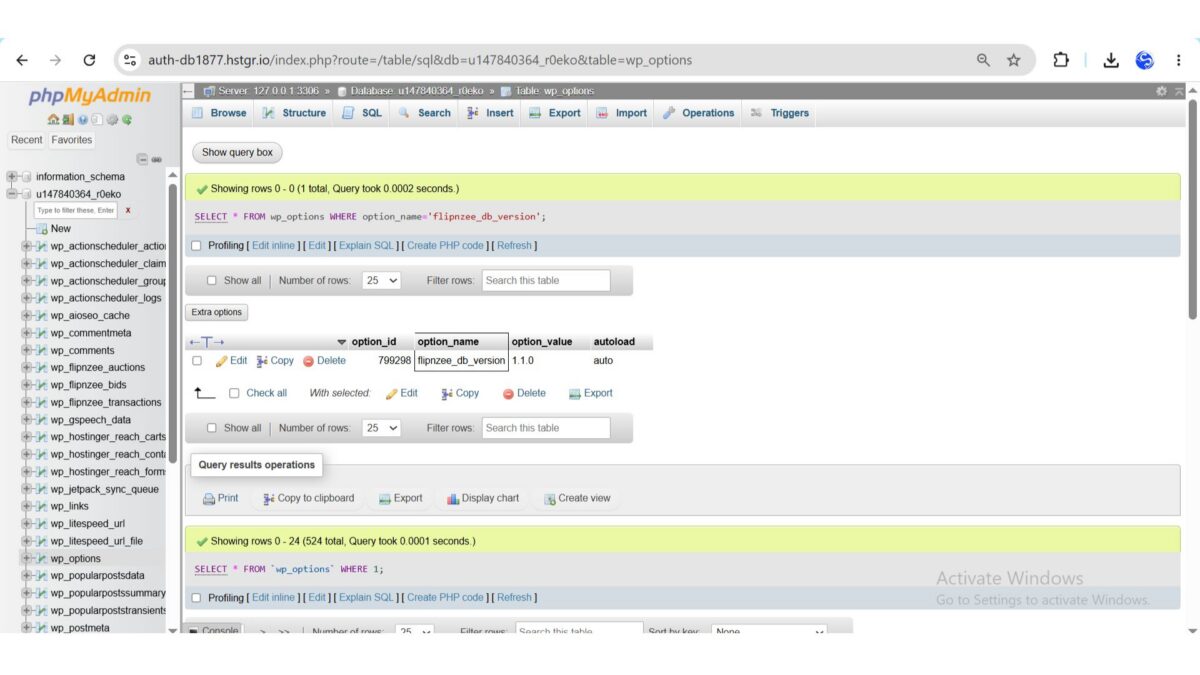
During testing, we confirmed via SQL that:
flipnzee_db_version = 1.1.0
was successfully stored in the WordPress wp_options table.
This confirmed that the migration framework was functioning correctly.
WP Engine
Additional testing confirmed:
- successful activation,
- compatibility across hosting environments,
- stable database version handling.
Challenges Encountered
This lesson included several valuable debugging sessions.
Initially, it appeared that the database version was not being stored because the option was not visible while browsing the wp_options table.
Further investigation revealed that:
- the activation hook was executing correctly,
- the version constant was defined correctly,
- the database version was being updated successfully,
- the option simply did not appear on the first page of phpMyAdmin results.
Using direct SQL queries confirmed that the version had been stored correctly.
This reinforced the importance of verifying assumptions with database queries rather than relying solely on paginated table views.
Lessons Learned
Several important software engineering principles emerged during this lesson.
Version-Controlled Migrations
Database upgrades should be driven by version comparisons rather than repeated schema parsing.
Separate Installation from Upgrades
Fresh installations and upgrades represent different workflows and should be handled independently.
Verify with SQL
Database debugging should rely on direct SQL queries whenever possible rather than assumptions based on user interface views.
Incremental Development
Implementing and testing one migration component at a time significantly reduced debugging complexity.
Git Milestone
A stable checkpoint should be created after completing the migration framework.
Recommended Commit
Lesson 89: Implement first production database migration
Recommended Git Tag
lesson-89-stable
This tag will represent the first production-ready version-controlled migration system within the Flipnzee Auctions plugin.
Download Source Code
Download the starting version of the plugin before the lesson:
Download the completed version after this lesson:
Roadmap
The migration architecture is now fully operational.
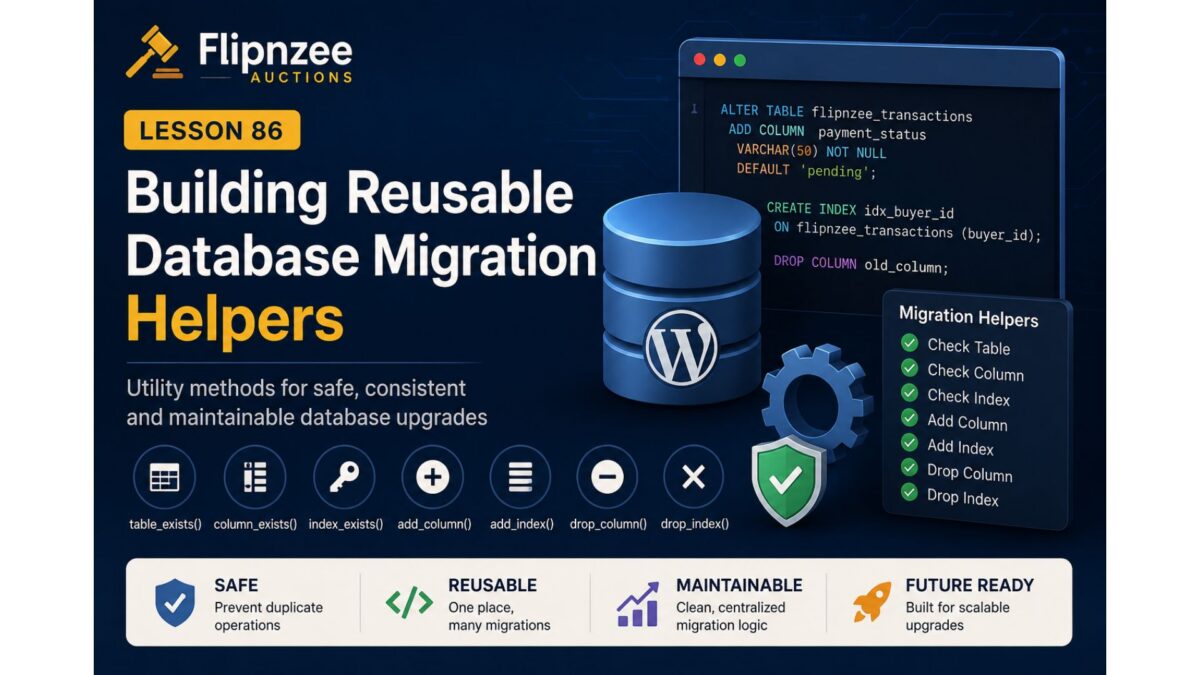
Upcoming lessons will begin using the framework for real database schema changes.
Lesson 90
Planned objectives include:
- implementing the first schema-changing migration,
- using
add_column()in a production migration, - using
add_index()where appropriate, - validating idempotent schema updates,
- further reducing dependence on
dbDelta()for upgrades.
Conclusion
Lesson 89 marks a major architectural milestone in the Flipnzee Auctions project. The plugin now supports a complete version-aware migration workflow that distinguishes fresh installations from upgrades and executes migrations only when required.
While the first migration intentionally focuses on establishing the migration lifecycle rather than modifying the schema, it provides a robust and scalable foundation for all future database evolution. This work positions Flipnzee Auctions to support safe, maintainable, and production-quality upgrades as the plugin continues to grow into a full-featured WordPress auction marketplace.