
Lesson 35: Automatically Activate Auctions When Their Start Time Arrives

Over the past few lessons, we’ve transformed Flipnzee Auctions from a simple CRUD plugin into something that feels much closer to a production-ready auction system. Auctions can now store start and end dates, and those dates are visible throughout the admin interface.
However, there is still one important limitation.
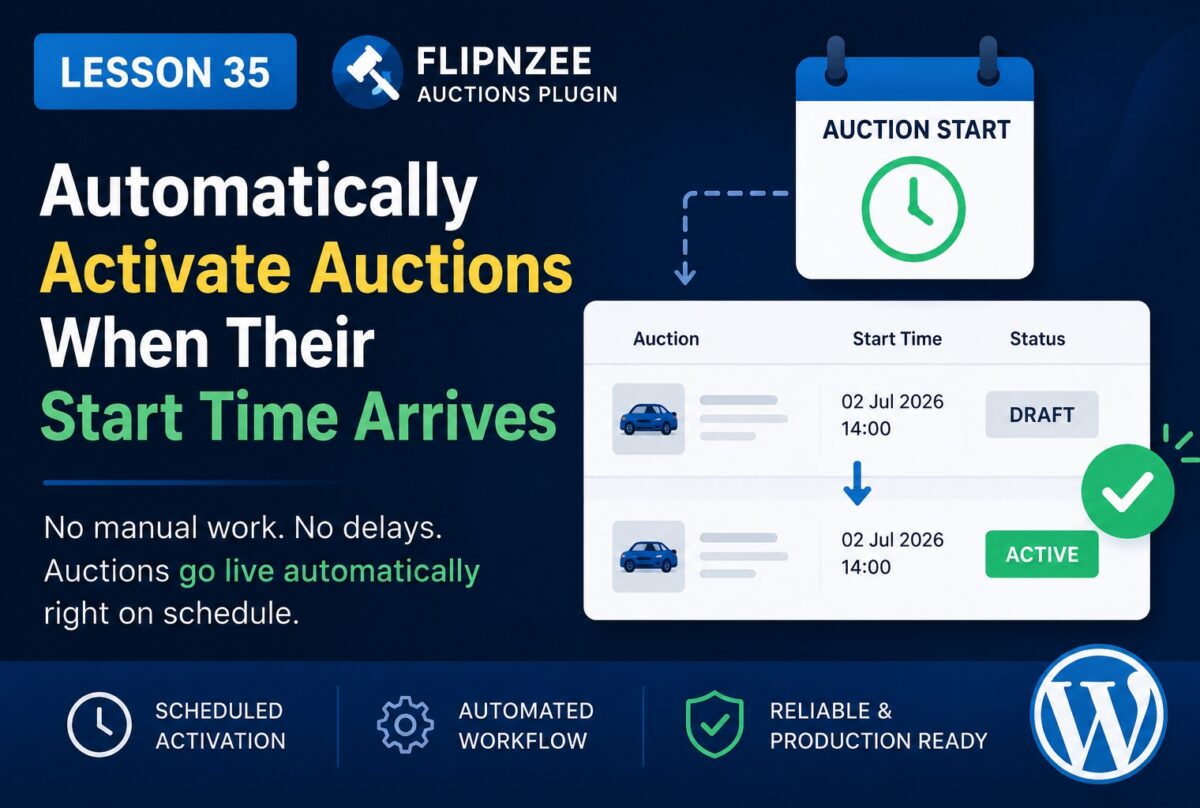
Even if an auction’s scheduled start time has already passed, it remains in Draft status until an administrator manually edits it and changes the status to Active.
In a real auction platform, this would quickly become unmanageable. Administrators should not need to monitor dozens or hundreds of auctions throughout the day.
In this lesson, we’ll begin automating the auction lifecycle.
What We’ll Build
By the end of this lesson, Flipnzee Auctions will automatically activate auctions when:
- the auction is currently Draft
- a valid Auction Start date exists
- the scheduled start time has already passed
No manual intervention will be required.
Why This Matters
Automation is one of the defining characteristics of a professional auction platform.
Instead of relying on administrators to remember when auctions should begin, the software makes the decision automatically.
Benefits include:
- fewer administrative tasks
- fewer human errors
- auctions always start on time
- improved buyer confidence
Understanding the Workflow
Current workflow:
Create Auction
      ↓
Status = Draft
      ↓
Administrator edits auction
      ↓
Changes status to Active
After this lesson:
Create Auction
      ↓
Status = Draft
      ↓
Scheduled start time arrives
      ↓
Plugin activates auction automatically
How WordPress Makes This Possible
WordPress includes a scheduling system called WP-Cron.
Rather than requiring access to the server’s operating system scheduler, WordPress performs scheduled tasks whenever someone visits the website.
Examples include:
- publishing scheduled posts
- clearing caches
- sending emails
- updating plugin data
We’ll use the same idea for auctions.
Our Strategy
Instead of checking every second, we’ll create a function that periodically searches for auctions that meet all of these conditions:
Status = Draft

AND

Auction Start <= Current Time
For every matching auction:
Draft
      ↓
Active
Simple, reliable, and scalable.
SQL Logic
Conceptually, our database query will look something like:
SELECT *
FROM wp_flipnzee_auctions
WHERE status = 'draft'
AND auction_start <= CURRENT_TIME;
Each returned auction will then be updated to:
status = active
Where We’ll Add the Code
To keep the plugin organized, we’ll place this functionality inside the auction manager rather than mixing business logic into the admin interface.
That keeps responsibilities separated:
- Database → stores auction data
- Auction Manager → controls auction lifecycle
- Admin Pages → display forms and tables
Testing Strategy
We’ll create a draft auction with:
Start Time:
2 minutes from now
Then we’ll wait until that time passes.
Expected result:
Before:

Status
Draft

↓

After:

Status
Active
without editing the auction manually.
Future Improvements
This lesson lays the foundation for additional automation.
In upcoming lessons we’ll also automate:
- closing auctions automatically
- determining winners
- preventing bids after auction ends
- countdown timers
- bid history
- email notifications
- Escrow.com integration
Each of these features will build upon the scheduling mechanism introduced here.
What You’ll Learn
In this lesson, you’ll learn how to:
- use scheduled tasks in WordPress
- automate changes based on time
- update auction status programmatically
- separate business logic from presentation logic
- build a more production-ready auction platform
Conclusion
Manually changing auction statuses may work during early development, but it doesn’t scale for a real marketplace. By introducing automatic activation based on the scheduled start time, Flipnzee Auctions becomes significantly more autonomous and dependable.
In the next lesson, we’ll build on this automation by automatically closing auctions when their end time is reached, bringing the auction lifecycle one step closer to a fully hands-free experience.