
Lesson 79: Auditing and Fixing the Auction Transaction Creation Lifecycle

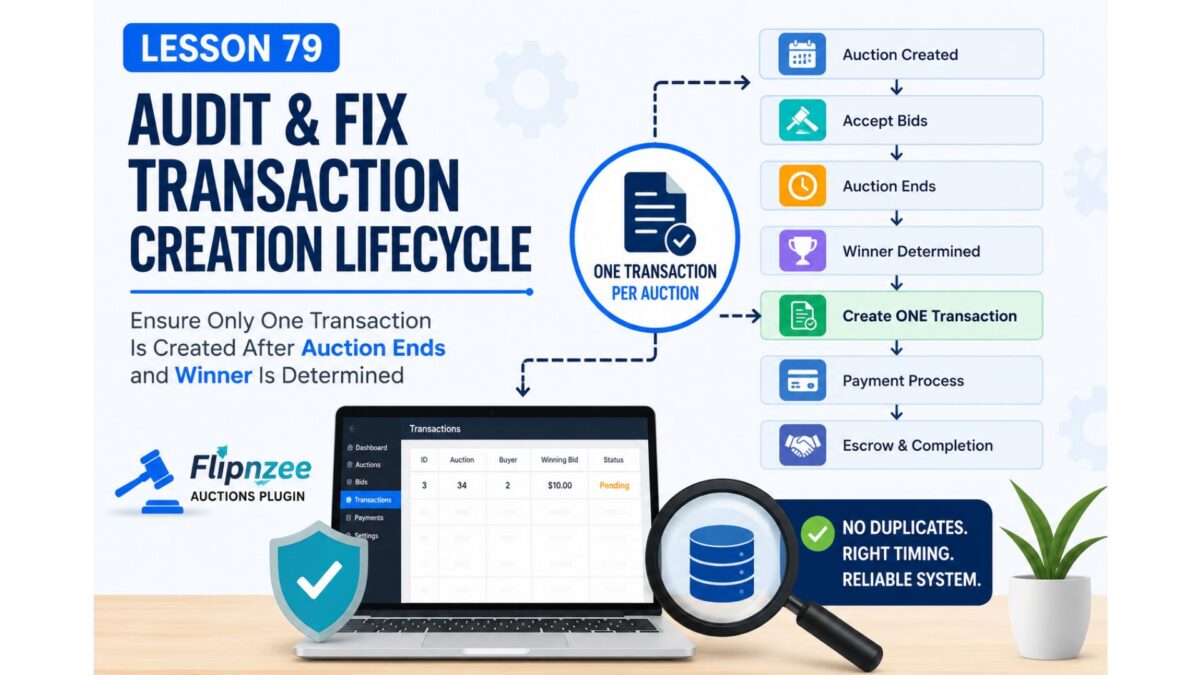
After successfully implementing manual payment status management in Lesson 78, we noticed an unexpected behavior during testing.
Although payment management was working perfectly, new transactions were being created before an auction had actually finished. This indicated a flaw in the auction workflow rather than in the payment management system.
Before integrating Escrow.com or any payment gateway, it is essential that every auction follows a predictable lifecycle and creates only one transaction, at the correct point in the auction process.
In this lesson, we will audit the entire transaction creation workflow and ensure that transactions are generated only after an auction closes and a winner has been determined.
What We Will Build
By the end of this lesson we will:
- Trace where transactions are created.
- Identify every function capable of creating a transaction.
- Prevent duplicate transaction creation.
- Ensure transactions are created only once.
- Verify the transaction lifecycle from auction creation to payment.
The Problem We Discovered
During testing we observed several unexpected behaviors.
- Transactions were sometimes created immediately after an auction was created.
- Earlier testing produced duplicate transaction records.
- Payment management worked correctly, but the transaction lifecycle itself was inconsistent.
Although these issues were corrected temporarily during testing, the underlying workflow still needs a proper audit.
Desired Auction Workflow
A professional auction platform should always follow this sequence.
Auction Created
        │
        ▼
Accept Bids
        │
        ▼
Auction Ends
        │
        ▼
Determine Winner
        │
        ▼
Create ONE Transaction
        │
        ▼
Pending Payment
        │
        ▼
Buyer Payment Submitted
        │
        ▼
Admin Verification
        │
        ▼
Payment Approved
        │
        ▼
Escrow Started
        │
        ▼
Ownership Transfer
        │
        ▼
Auction Completed
Every completed auction should generate exactly one transaction, and that transaction should remain the single source of truth throughout the payment and ownership transfer process.
Lesson Objectives
During this lesson we will:
Step 1
Search the entire plugin for every location that inserts records into:
wp_flipnzee_transactions
Step 2
Identify every function responsible for transaction creation.
Possible examples include:
- winner determination
- auction closing
- bid completion
- scheduled cron events
- save handlers
Step 3
Determine which function should have exclusive responsibility for creating transactions.
Step 4
Prevent duplicate transaction creation by checking whether a transaction already exists before inserting a new record.
Step 5
Verify that transaction creation occurs only after:
- auction end time
- winner determination
- successful auction closure
Step 6
Perform end-to-end testing by:
- creating a new auction
- placing bids
- waiting for auction completion
- confirming exactly one transaction is created
Expected Outcome
After completing this lesson:
- Every auction will produce only one transaction.
- Duplicate transactions will be impossible.
- Transactions will be created only after auction completion.
- The plugin will have a reliable transaction lifecycle ready for payment gateway and Escrow.com integration.
Why This Matters
Payment gateways, escrow providers, and ownership transfer systems all depend on having a single, reliable transaction record.
Fixing the transaction lifecycle now will make future features significantly easier to implement and reduce the likelihood of data inconsistencies.
This lesson focuses on strengthening the core architecture of the Flipnzee Auctions plugin before moving on to advanced payment and escrow functionality.