
Lesson 48: Prevent Users from Bidding on Their Own Highest Bid

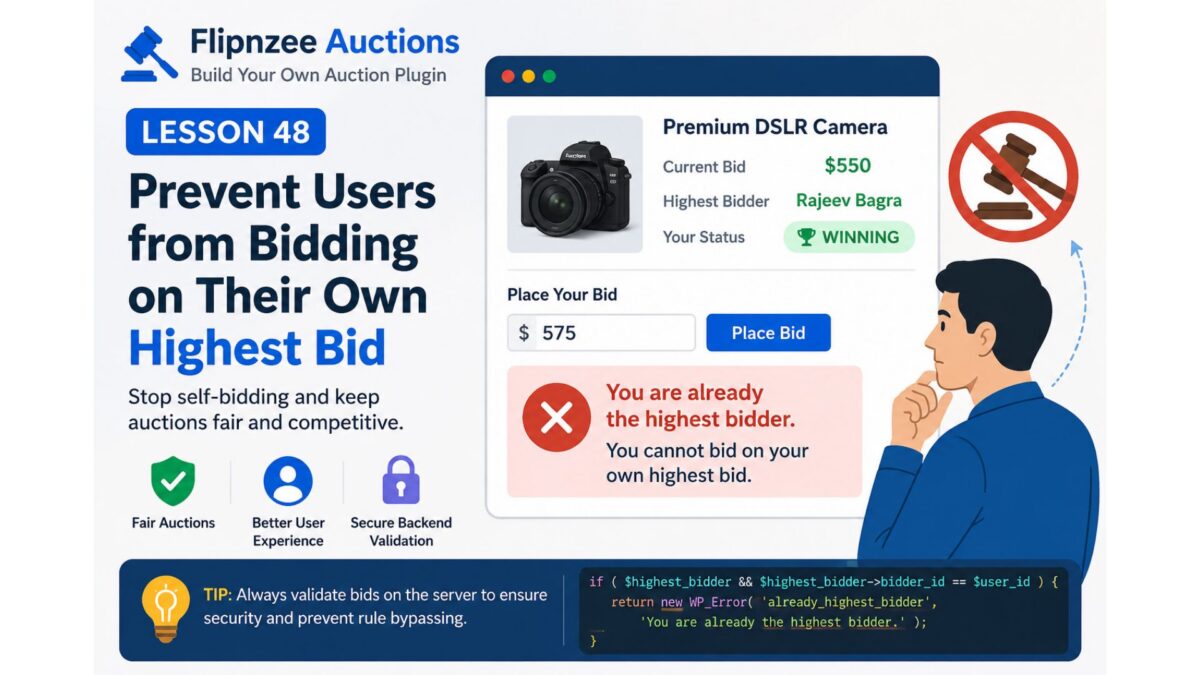
In the previous lesson, we showed users whether they are currently winning or have been outbid. However, there is still one issue with our auction system:
A user who is already the highest bidder can continue placing higher bids against themselves.
Real-world auction platforms like eBay don’t allow this because it serves no purpose. In this lesson, we’ll prevent users from bidding again if they already hold the highest bid.
Why Is This Important?
Imagine this scenario:
- Rajeev bids $500
- Rajeev is now the highest bidder
- Rajeev accidentally bids $550
- Nobody else has bid yet
The auction price increases without any competition.
Preventing this keeps auctions fair and avoids unnecessary price inflation.
The Solution
Before accepting a bid, we need to determine:
- Who is currently the highest bidder?
- Is the logged-in user the same person?
- If yes, reject the bid.
This validation belongs in the bid processing logic, not just the frontend.
Step 1: Retrieve the Highest Bidder
Inside the bid placement function, retrieve the current highest bidder.
$highest_bidder =
    self::get_highest_bidder(
        $auction_id
    );
Step 2: Compare User IDs
Check whether the logged-in user already owns the highest bid.
if (
    $highest_bidder &&
    (int) $highest_bidder->bidder_id === (int) $bidder_id
) {
    return new WP_Error(
        'already_highest_bidder',
        __( 'You are already the highest bidder.', 'flipnzee-auctions' )
    );
}
Step 3: Stop Processing
If this condition is true:
- No new bid is inserted.
- Current bid remains unchanged.
- Bid history remains unchanged.
The function exits immediately.
Step 4: Display the Error
Instead of silently failing, redirect back to the auction page with an error message such as:
You are already the highest bidder.
This provides immediate feedback to the user.
Why Backend Validation Matters
Some developers disable the bid button on the frontend and think the problem is solved.
It isn’t.
A malicious user could still:
- submit the form manually
- use browser developer tools
- send a POST request directly
That’s why validation must happen inside the PHP bid processing code.
Example Flow
Current Auction
| Bidder | Amount |
|---|---|
| Rajeev | $500 |
Rajeev clicks Place Bid again.
Server checks:
Current Highest Bidder = Rajeev

Current User = Rajeev

Match = TRUE
Result:
❌ Bid rejected.
Another user bids:
| Bidder | Amount |
|---|---|
| Rajeev | $500 |
| Amit | $550 |
Now Rajeev is allowed to bid again because he is no longer the highest bidder.
Benefits
Implementing this validation provides several advantages:
- Prevents self-bidding
- Makes auctions behave like professional auction websites
- Prevents accidental price increases
- Protects users from unnecessary mistakes
- Keeps auction history meaningful
- Enforces rules securely on the server
What You’ll Learn Next
In Lesson 49, we’ll improve the bidding experience further by displaying success and error notifications after a bid is submitted, so users receive clear feedback such as:
- ✅ Bid placed successfully.
- ❌ Bid is too low.
- ❌ You are already the highest bidder.
- ❌ Auction has ended.
This will make the auction workflow much more user-friendly and professional.