
Lesson 131 – Creating the First Real Escrow Transaction

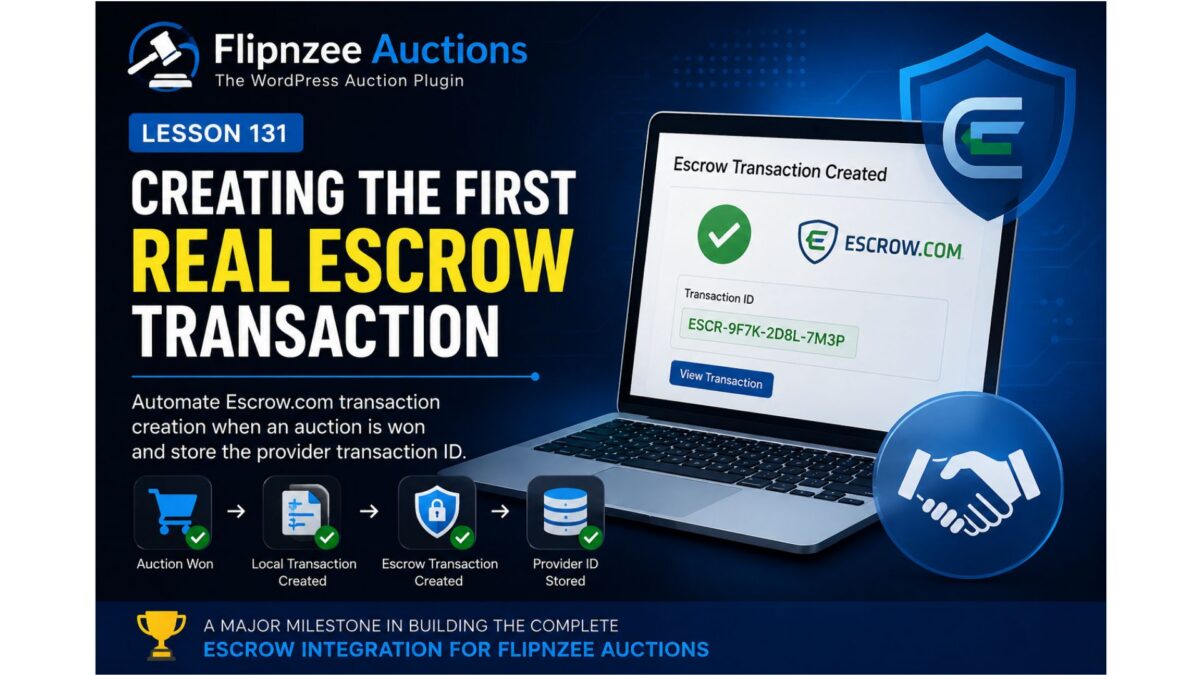
Over the previous lessons, we’ve focused on building a reliable foundation for the Escrow integration within Flipnzee Auctions. We’ve introduced environment management, refactored the API client, standardized response handling, and built a production-ready administration interface.
Although the plugin is now capable of communicating with Escrow.com, it still isn’t performing the task it was ultimately designed for—creating real Escrow transactions.
In this lesson, that changes.
We’ll implement the first step of the complete Escrow transaction lifecycle by creating an actual Escrow transaction through the refactored API client.
Where We Stand
At the end of Lesson 130, the plugin supports:
- Simulation environment
- Sandbox environment
- Production environment
- Credential validation
- Connection testing
- Standardized API responses
- Configuration dashboard
The networking layer is complete enough to begin sending real business requests.
The Missing Piece
Winning an auction currently updates the local database.
The plugin knows:
- the winning bidder,
- the auction,
- the final price,
- the payment provider.
However, nothing is yet created at Escrow.com.
The workflow still ends inside WordPress.
Current Workflow
Today’s workflow looks like this:
Auction Ends
        │
        ▼
Winner Selected
        │
        ▼
Local Transaction Created
        │
        ▼
END
While useful, this means the administrator must manually create an Escrow transaction.
That defeats the purpose of integrating directly with Escrow.com.
New Workflow
After Lesson 131, the process becomes significantly more powerful.
Auction Ends
        │
        ▼
Winner Selected
        │
        ▼
Local Transaction Created
        │
        ▼
Escrow Transaction Created
        │
        ▼
Provider Transaction ID Stored
This becomes the beginning of the complete payment lifecycle.
Objectives
The primary objective of this lesson is to automate the creation of an Escrow transaction whenever the plugin is ready to initiate payment.
By the end of this lesson, Flipnzee Auctions will be capable of requesting a new transaction from Escrow.com using the existing API client.
Building on Existing Architecture
One advantage of the previous refactoring work is that almost everything required already exists.
The plugin already provides:
- Escrow API Client
- External Provider Manager
- Transaction Manager
- Standardized responses
- Environment management
Rather than introducing a completely new architecture, this lesson simply connects these existing components together.
Transaction Creation
The Escrow API client already understands how to communicate with the selected environment.
We’ll now extend it with support for creating transactions.
The request will include information such as:
- auction identifier,
- transaction amount,
- buyer,
- seller,
- currency,
- description.
Initially, the request will focus on the minimum data required to establish the transaction.
Additional metadata can be added in future lessons.
Provider Transaction IDs
One of the most important pieces of information returned by Escrow.com is its transaction identifier.
This identifier becomes the permanent link between:
- Flipnzee Auctions
- Escrow.com
Rather than relying solely on local transaction IDs, the plugin will now store the provider’s unique identifier for future synchronization.
Centralized Workflow
Instead of allowing different parts of the plugin to communicate directly with Escrow.com, all requests will continue flowing through the Escrow API client.
The architecture remains:
Auction
      │
      ▼
Transaction Manager
      │
      ▼
External Provider Manager
      │
      ▼
Escrow API Client
      │
      ▼
Escrow.com
Maintaining this separation keeps networking concerns isolated from business logic.
Error Handling
Creating an external transaction introduces new failure scenarios.
Examples include:
- network failures,
- authentication errors,
- invalid request data,
- temporary provider outages.
Rather than assuming success, the plugin will continue using the standardized response format introduced in earlier lessons.
This ensures consistent error handling throughout the integration.
Preparing for Synchronization
Creating the transaction is only the beginning.
Future lessons will build upon the provider transaction identifier to support:
- transaction synchronization,
- status updates,
- payment completion,
- cancellations,
- dispute handling,
- webhook processing.
Lesson 131 establishes the foundation upon which these features will be built.
Expected Outcome
After completing this lesson, Flipnzee Auctions will no longer stop after creating a local transaction.
Instead, it will immediately communicate with the configured Escrow environment and request creation of a corresponding provider transaction.
The resulting provider identifier will be stored locally, allowing future synchronization with Escrow.com.
Conclusion
Configuration alone does not create business value. Real value begins when software starts automating real-world workflows.
Lesson 131 represents one of the most significant milestones in the Flipnzee Auctions project. For the first time, the plugin moves beyond configuration and local transaction management to begin interacting directly with Escrow.com as part of the auction lifecycle.
In the next implementation lesson, we’ll connect the auction workflow to the Escrow API client, create our first provider transaction, and persist the returned transaction identifier for future synchronization.