Lesson 135 – Flipnzee Auctions Is Now a Working Product: Lessons Learned and Future Roadmap

Introduction
When this lesson series began, the objective was simple: build a WordPress auction plugin while learning professional plugin development.
Over the course of 135 lessons, that objective gradually evolved.
Instead of producing a tutorial project, the result is a functional auction plugin designed specifically for buying and selling websites, domains, and other digital assets.
Although there are still many possible enhancements, the plugin has reached a point where it can already support real marketplace transactions.
This final lesson summarizes what has been built, the architectural decisions made throughout the series, and where future development may lead.
Looking Back
The project started with a single goal:
Learn WordPress plugin development by building something practical.
Instead of isolated code examples, every lesson contributed to a growing production codebase.
Along the way we explored:
- WordPress plugin architecture
- Object-oriented PHP
- Custom database tables
- WordPress hooks and filters
- Secure form handling
- Shortcodes
- REST APIs
- Transaction workflows
- External provider integrations
- Database migrations
- Refactoring techniques
- Maintainable software design
The result is not merely a collection of lessons but a complete working project.
What the Plugin Already Supports
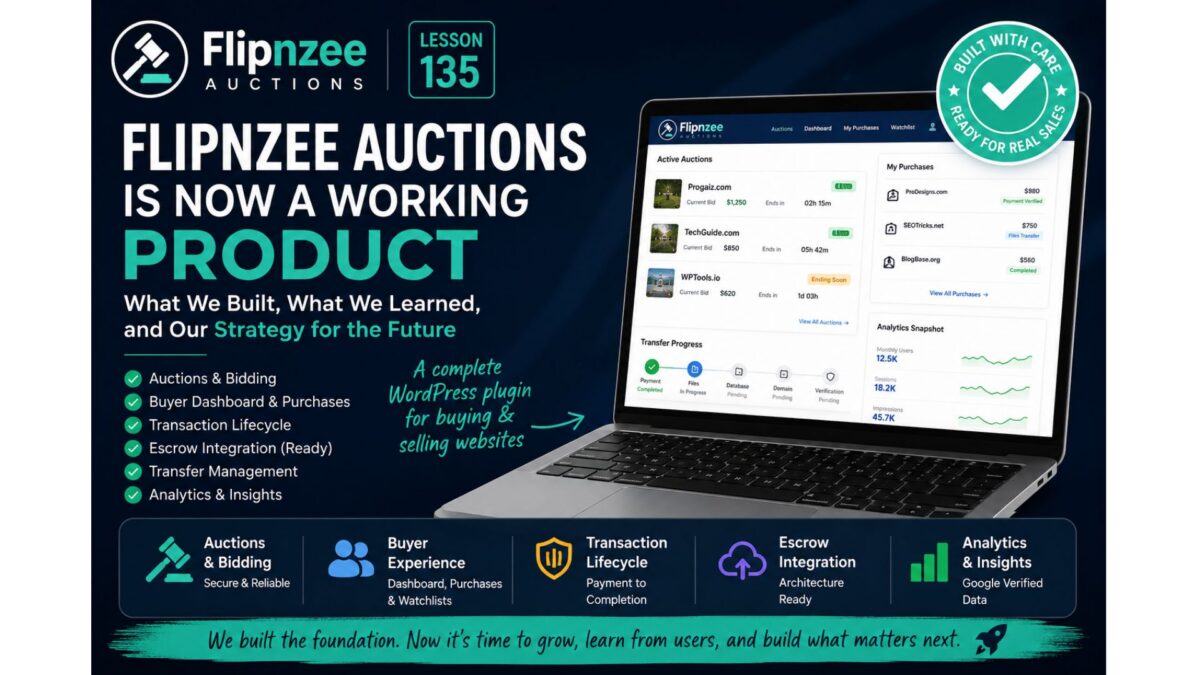
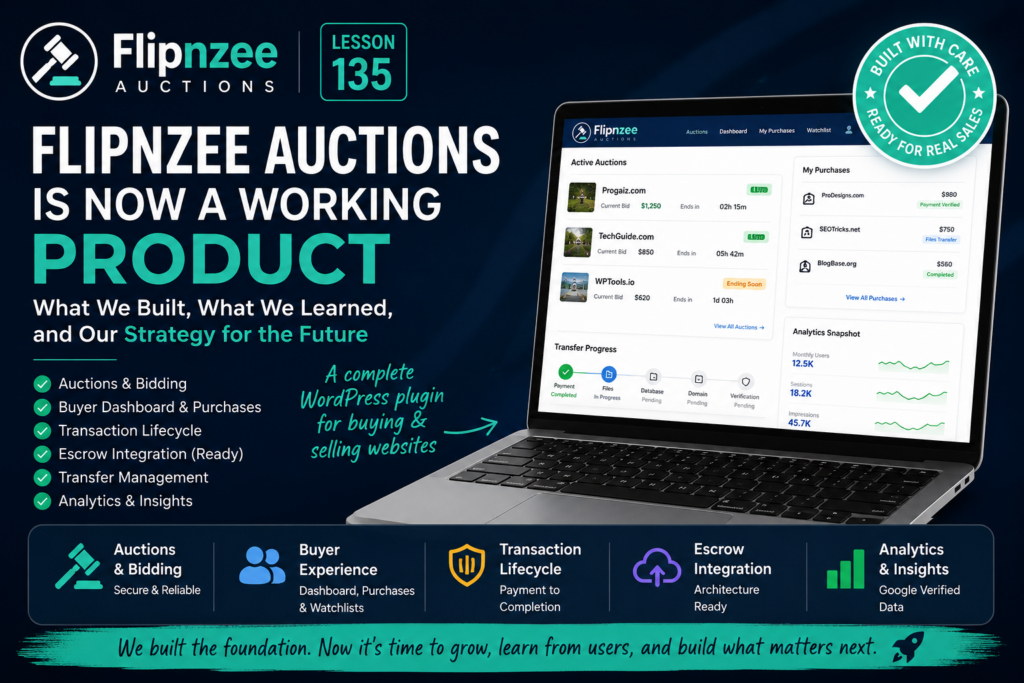
Today Flipnzee Auctions includes support for:
Auction Management
- Create auctions
- Edit auctions
- Delete auctions
- Schedule auctions
- Automatically activate auctions
- Automatically close expired auctions
Bidding
- Secure bid placement
- Highest bidder tracking
- Bid validation
- Reserve price support
- Anti-sniping auction extensions
- Winner determination
Marketplace
- Active auction listings
- Recently closed auctions
- Analytics summaries
- Listing thumbnails
- Countdown timers
- Buy Now pricing
- Watchlists
Buyer Experience
- Buyer Dashboard
- My Purchases
- Purchase Details
- Transaction history
- Transfer progress
Transaction Management
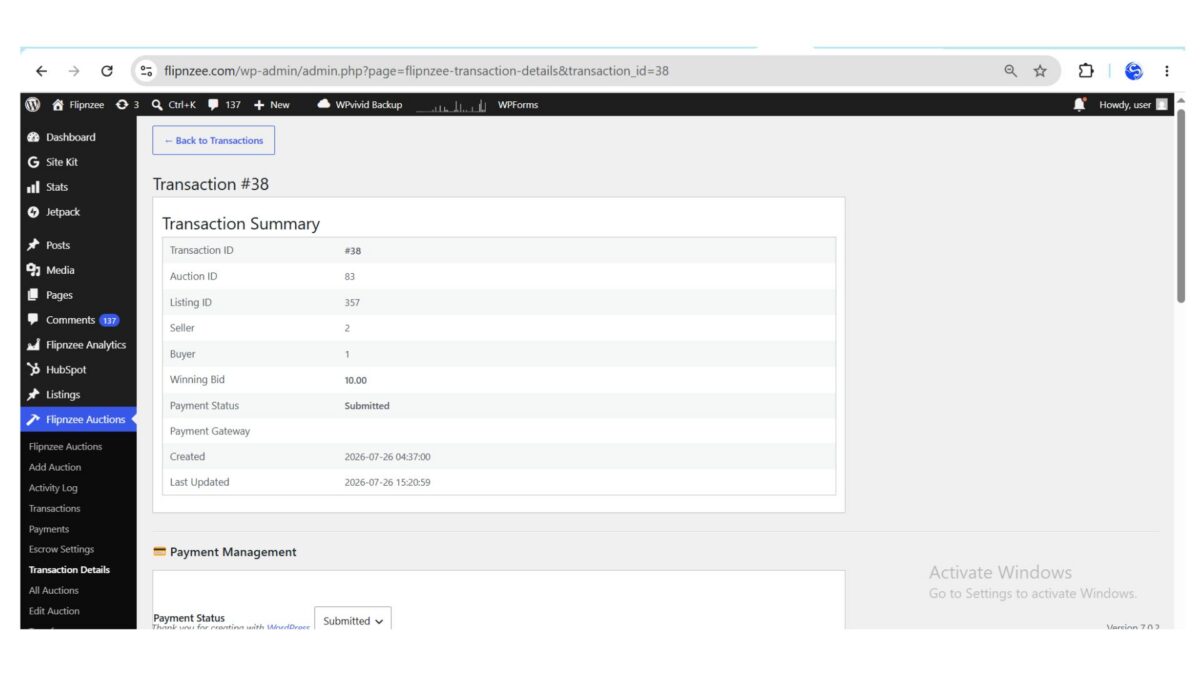
- Automatic transaction creation
- Transaction lifecycle
- Payment workflow
- State management
- Activity logging
- Notifications
Transfer Workflow
Support for tracking:
- Payment
- Website files
- Database
- Domain transfer
- Buyer verification
External Providers
The architecture already supports integration with external services.
Current work includes:
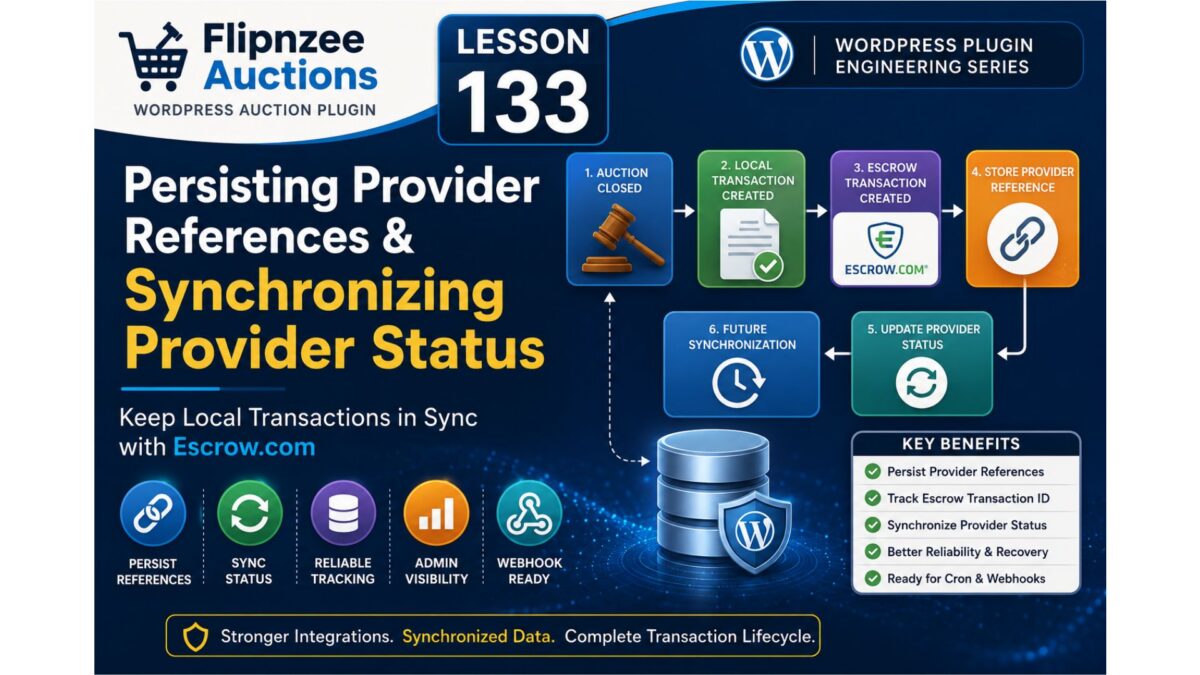
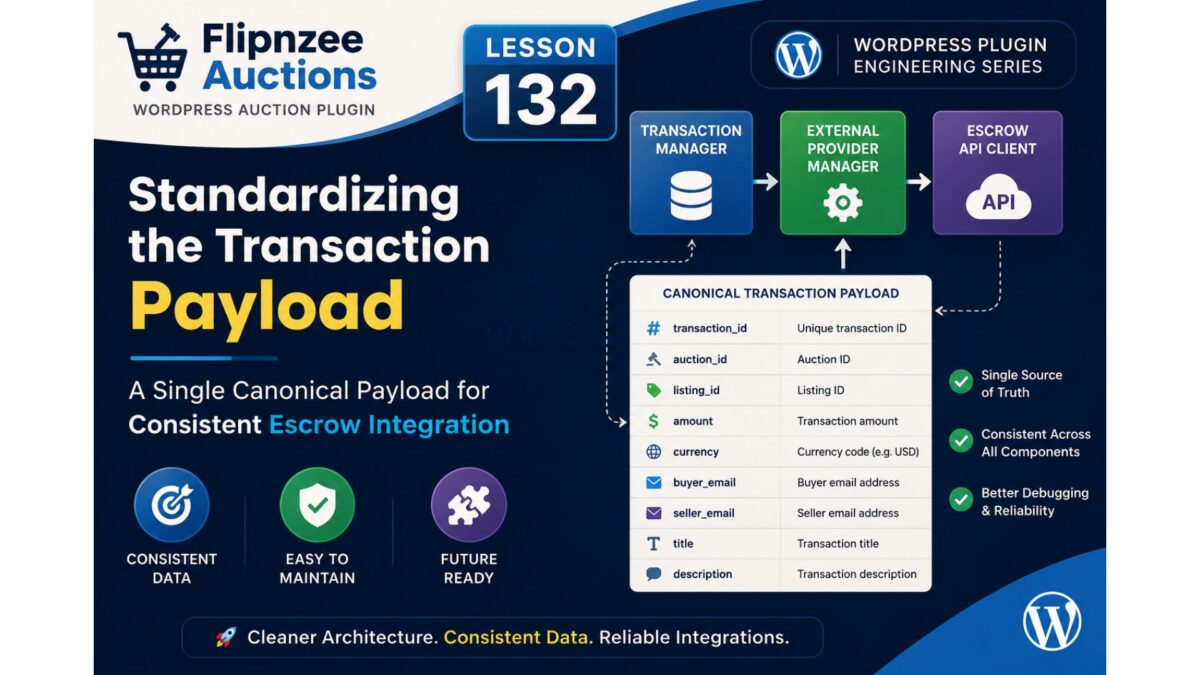
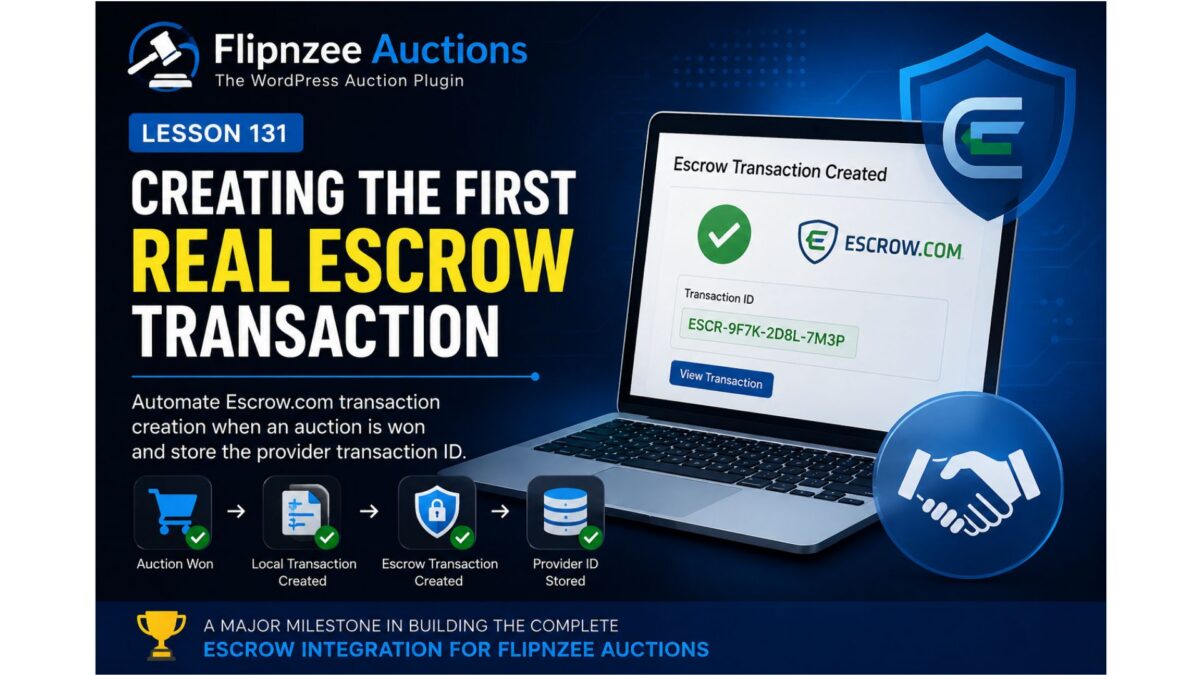
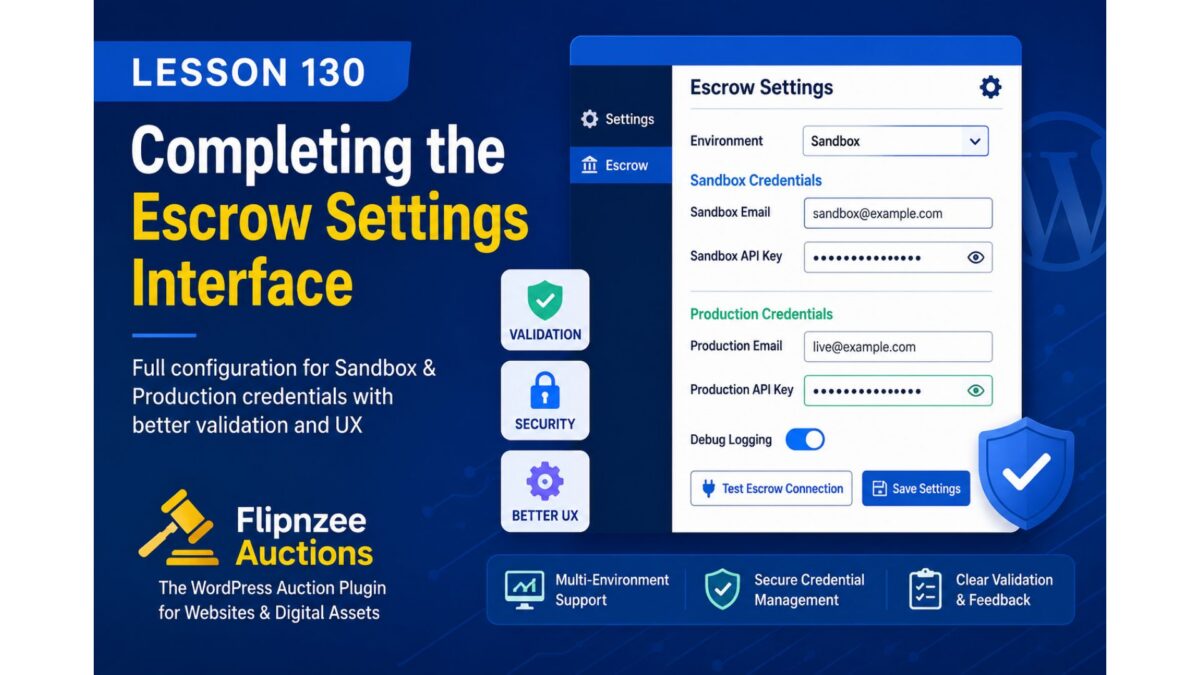
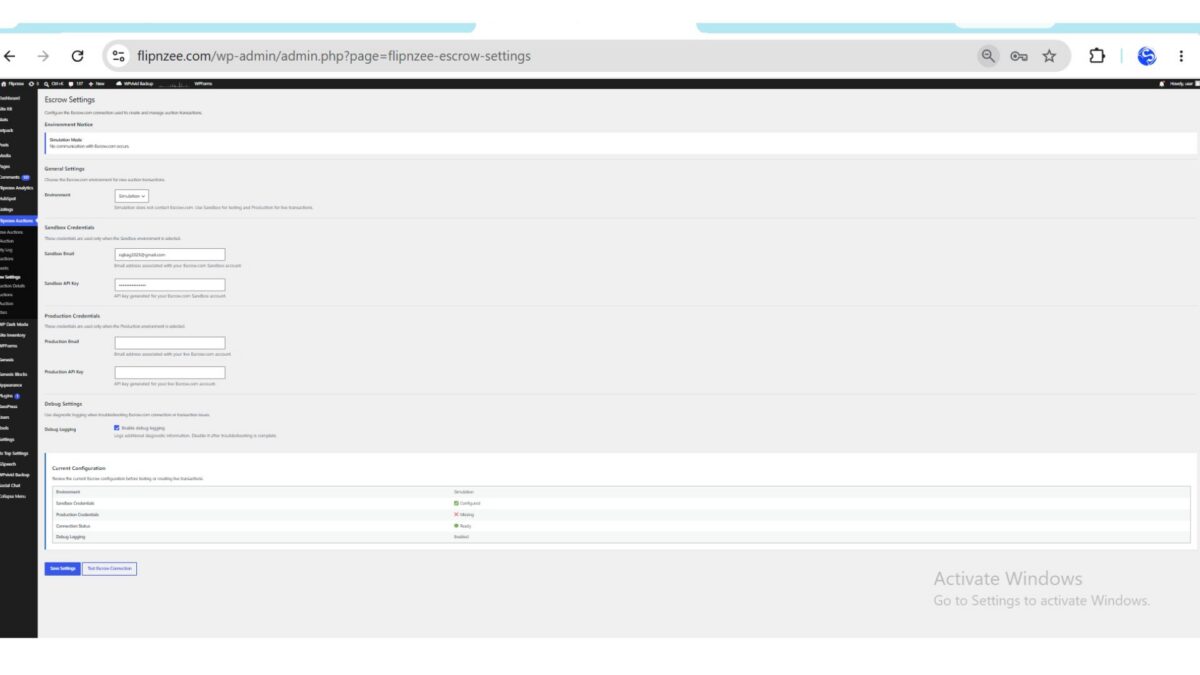
- Escrow provider abstraction
- External Provider Manager
- Escrow API client
- Provider lifecycle management
Although currently operating in simulation or staged workflows, the underlying architecture has been designed so that additional providers can be added in the future with minimal disruption.
Why Development Slowed Near the End
As the plugin matured, a different question emerged.
Instead of asking:
“Can another feature be built?”
the more important question became:
“Should another feature be built right now?”
There is an important difference.
Software development becomes significantly more valuable when guided by real users rather than assumptions.
The Next Stage Is Validation
The plugin is now capable of supporting real marketplace listings.
Rather than immediately implementing every planned feature, the focus shifts to understanding how buyers actually interact with the marketplace.
Questions that only real users can answer include:
- Do buyers prefer bidding or Buy Now?
- How often do negotiations occur before a purchase?
- Does verified analytics increase buyer confidence?
- Which information influences purchasing decisions most?
- Which parts of the purchase workflow deserve automation?
Answers to these questions cannot be discovered through programming alone.
They require real marketplace activity.
Features Deferred Intentionally
Several ideas remain on the roadmap, including:
- Dedicated Buy Now purchase pages
- Dynamic Escrow checkout generation
- Multiple payment providers
- Stripe integration
- PayPal integration
- Wise support
- Cryptocurrency payments
- Seller dashboards
- Public seller onboarding
- Offer and negotiation workflows
- Messaging between buyers and sellers
- Automated transfer checklists
- Public marketplace analytics
None of these ideas have been abandoned.
They have simply been postponed until real usage demonstrates their value.
An Important Lesson
One of the biggest lessons learned during this project is that good software is not defined by the number of features it contains.
Good software solves real problems while remaining understandable and maintainable.
Throughout the series there were many occasions where existing code was refactored instead of adding new functionality.
Those refactoring lessons were just as valuable as implementing new features because they improved the long-term quality of the project.
The Plugin Is No Longer Just a Tutorial
Although these lessons were written as an educational series, the project gradually became something more.
Flipnzee Auctions is now:
- a learning resource for WordPress developers,
- a reference implementation for plugin architecture,
- and a functional marketplace plugin capable of supporting real website sales.
Future improvements will continue to be driven by practical experience rather than simply expanding the feature list.
Final Thoughts
Building software is rarely about reaching a finish line.
Instead, each release represents a milestone in an ongoing process of learning, refinement, and adaptation.
This lesson series demonstrates that a complex WordPress plugin can be developed incrementally through small, understandable improvements while maintaining a working codebase throughout the journey.
The next chapter for Flipnzee Auctions is no longer primarily about writing code.
It is about observing real users, learning from actual marketplace transactions, and allowing those experiences to guide future development.
For anyone who followed this series from the beginning, thank you for joining the journey. Hopefully it has shown that large software projects are not built in a single leap—they are created one carefully considered lesson at a time.
Series Conclusion
With this lesson, the initial Flipnzee Auctions development series comes to a close.
Future articles will focus less on building features in isolation and more on maintaining, improving, and evolving the plugin based on real-world experience. That transition—from development to product stewardship—is a natural step in the lifecycle of any software project and, arguably, one of the most valuable lessons of all.