
Lesson 115: Buy Now Auction Completion Workflow (Planning)

Introduction
Until now, the Flipnzee Auctions plugin has treated every bid in the same way. Regardless of the bid amount, the auction remains active until its scheduled end time, where a scheduled process later determines the winner.
However, this behavior is not how a traditional Buy Now feature is expected to work.
When a bidder agrees to pay the Buy Now price, they are effectively accepting the seller’s asking price. At that point there should be no reason to keep the auction running or allow additional bids.
This lesson focuses on transforming Buy Now from a simple display price into an action that immediately completes the auction.
Current Problem
Suppose an auction has:
- Start Price: $120
- Current Bid: $1,200
- Buy Now Price: $5,000
If a buyer places a bid of exactly $5,000, the plugin currently:
- accepts the bid,
- updates the current bid,
- leaves the auction active,
- allows other users to continue bidding.
This defeats the purpose of having a Buy Now option.
Expected Behaviour
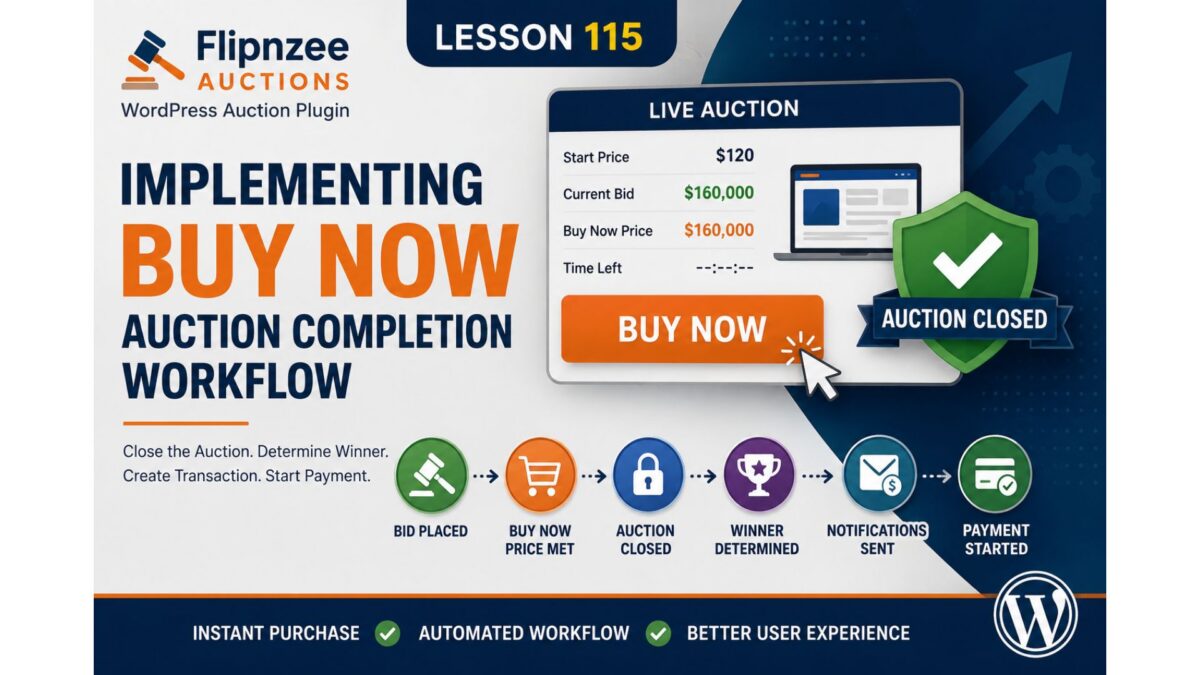
The expected workflow should become:
Buyer submits Buy Now bid
        │
        ▼
Bid is accepted
        │
        ▼
Buy Now condition detected
        │
        ▼
Auction closes immediately
        │
        ▼
Winner determined
        │
        ▼
Winner notifications sent
        │
        ▼
Transaction created
        │
        ▼
Buyer redirected to payment
Instead of waiting until the scheduled auction end, the auction lifecycle should complete immediately.
Why This Matters
This change transforms the auction from a passive bidding system into an actual marketplace transaction.
It establishes a complete workflow where:
- bidding,
- winner determination,
- transaction creation,
- payment,
- ownership transfer
all become part of a single automated process.
Without this behaviour, Buy Now is merely another bid amount rather than an instant purchase mechanism.
Design Considerations
Rather than scattering Buy Now logic throughout the plugin, we will introduce a clear sequence of responsibilities.
The bid handler should remain responsible for accepting bids.
Once a valid bid has been recorded, it should ask one simple question:
“Did this bid satisfy the Buy Now price?”
If the answer is yes, the auction manager will immediately close the auction and the existing winner determination workflow can continue unchanged.
This approach reuses the infrastructure already built in previous lessons instead of creating an entirely separate purchase system.
Objectives
By the end of this lesson we will:
- Detect when a submitted bid reaches the Buy Now price.
- Close the auction immediately.
- Determine the winning bidder instantly.
- Reuse the existing notification system.
- Automatically create the buyer transaction.
- Launch the payment workflow without waiting for auction expiry.
What We’ll Build
At the end of this lesson, the auction lifecycle will look like this:
Auction Created
        │
        ▼
Buyer Places Bid
        │
        ▼
Buy Now Price Reached
        │
        ▼
Auction Closed Immediately
        │
        ▼
Winner Determined
        │
        ▼
Notifications Sent
        │
        ▼
Transaction Created
        │
        ▼
Buyer Payment Page
This is one of the most important milestones in the Flipnzee Auctions project, as it connects bidding with the complete post-auction purchase workflow.