
Lesson 37: Automatically Run Auction Maintenance Using WordPress Cron

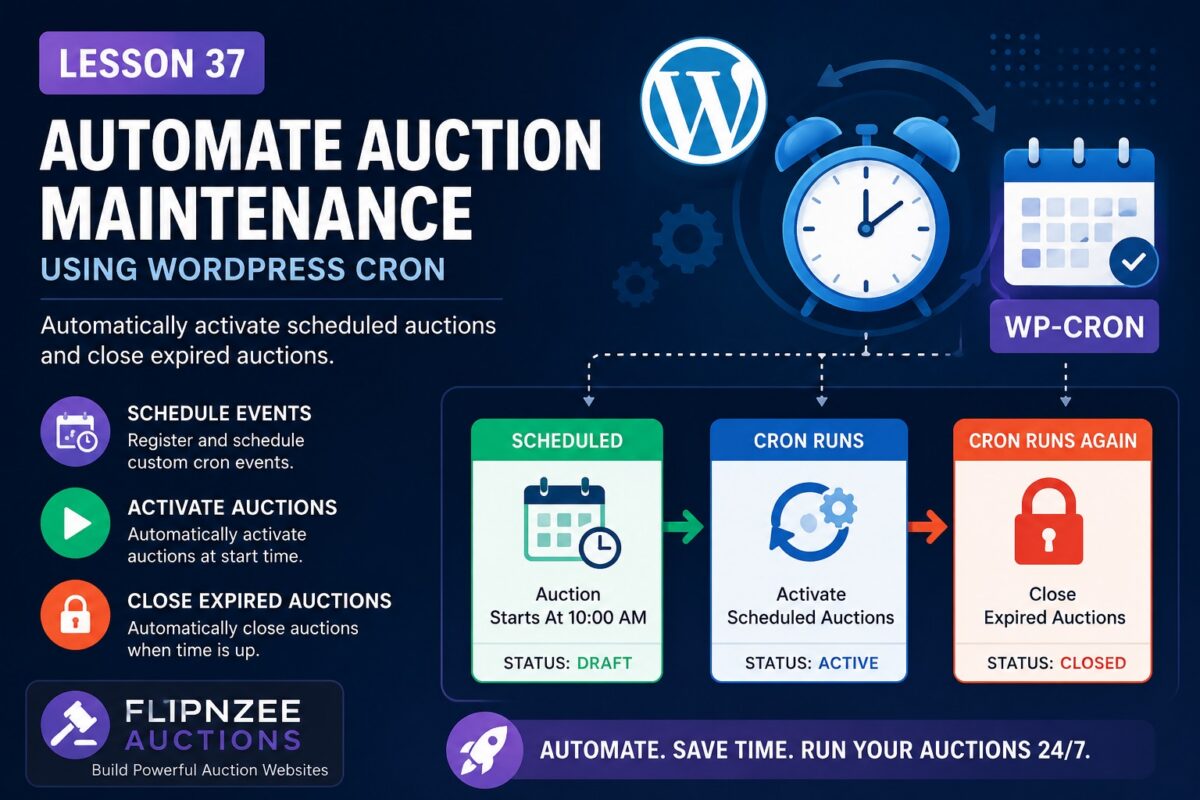
What You’ll Learn
In this lesson, you’ll replace the manual workflow with automatic background processing using WordPress’s built-in Cron system.
By the end of this lesson, your plugin will:
- Register a custom scheduled event on plugin activation.
- Schedule the event if it doesn’t already exist.
- Execute auction maintenance automatically every few minutes (or hourly in production).
- Activate scheduled auctions automatically.
- Close expired auctions automatically.
- Unschedule the event when the plugin is deactivated.
Topics Covered
- Understanding WP-Cron
- Registering scheduled events
- Using
wp_next_scheduled() - Using
wp_schedule_event() - Creating custom cron hooks
- Hooking your auction manager into the scheduler
- Cleaning up scheduled events on plugin deactivation
Files We’ll Modify
flipnzee-auctions.php
includes/class-loader.php
includes/class-auction-manager.php
New Features
Instead of clicking:
Activate Scheduled Auctions
or
Close Expired Auctions
the plugin will quietly do this itself whenever WordPress Cron runs.
Administrators will simply create auctions and let the plugin manage their lifecycle automatically.
Expected Workflow
Auction Created
        │
        ▼
Status = Draft
        │
        ▼
Scheduled Start Time Arrives
        │
        ▼
WordPress Cron Runs
        │
        ▼
Status → Active
        │
        ▼
Auction End Time Arrives
        │
        ▼
WordPress Cron Runs Again
        │
        ▼
Status → Closed
This is the same architecture used by many production WordPress plugins that perform background maintenance.
Prerequisites
Before starting this lesson, ensure you have completed:
- ✅ Lesson 35 – Activate Scheduled Auctions
- ✅ Lesson 36 – Close Expired Auctions
Estimated Difficulty
⭐⭐⭐⭐☆ (Intermediate)
This lesson introduces WordPress Cron, one of the most useful APIs for background processing in plugin development.
What You’ll Build
By the end of Lesson 37, your plugin will automatically:
- Activate scheduled auctions.
- Close expired auctions.
- Run without administrator intervention.
- Prepare the project for future features such as automatic bid processing, email notifications, and auction reminders.
Implementation Lesson 37: Automating Auction Maintenance with WordPress Cron