
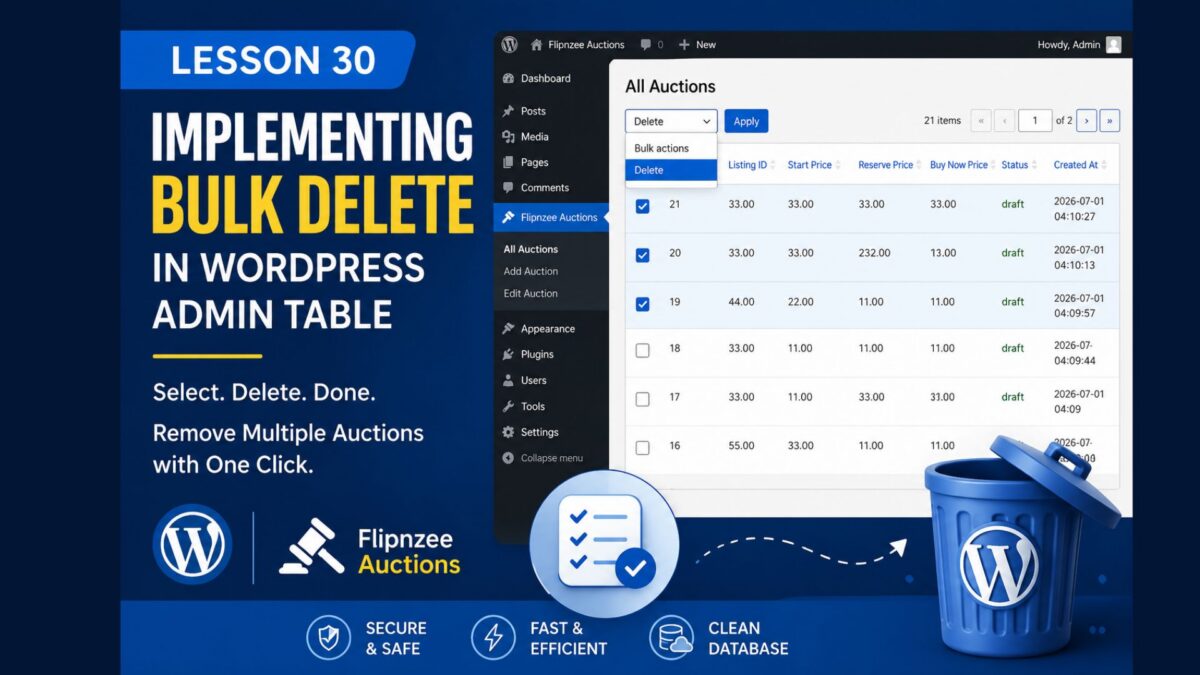
Lesson 30 — Bulk Delete Functionality in the WordPress Admin Table

Introduction
In the previous lesson, we added checkbox selection and a Bulk Actions dropdown to our custom WP_List_Table. Although the interface looked complete, selecting auctions and clicking Apply did not actually perform any action.
In this lesson, we’ll implement the backend logic required to process bulk deletion securely. We’ll learn how WordPress submits bulk actions, how to retrieve selected record IDs, and how to delete multiple database records efficiently while following WordPress coding standards.
By the end of this lesson, administrators will be able to select multiple auctions and remove them with a single click.
What You’ll Learn
After completing this lesson, you’ll know how to:
- Process bulk actions submitted by
WP_List_Table - Detect which bulk action was selected
- Retrieve multiple selected auction IDs safely
- Sanitize and validate submitted IDs
- Delete multiple database records using a loop
- Display success messages after bulk deletion
- Follow WordPress security best practices
Why Bulk Delete Matters
Deleting one auction at a time quickly becomes inefficient when managing dozens or hundreds of auctions.
Bulk deletion provides several benefits:
- Saves administrator time
- Reduces repetitive clicks
- Matches WordPress core behaviour
- Makes the plugin feel professional
- Improves usability for large datasets
Files We’ll Modify
During this lesson we’ll update the following files:
admin/class-auctions-table.php
admin/class-admin.php
includes/class-auction-manager.php
Implementation Overview
We’ll complete the feature in several small steps:
Step 1
Detect when the administrator selects a bulk action.
Step 2
Retrieve all selected auction IDs.
Step 3
Validate and sanitize every submitted ID.
Step 4
Delete each auction from the database.
Step 5
Redirect back to the auction list.
Step 6
Display a success notice showing the operation completed.
Expected Result
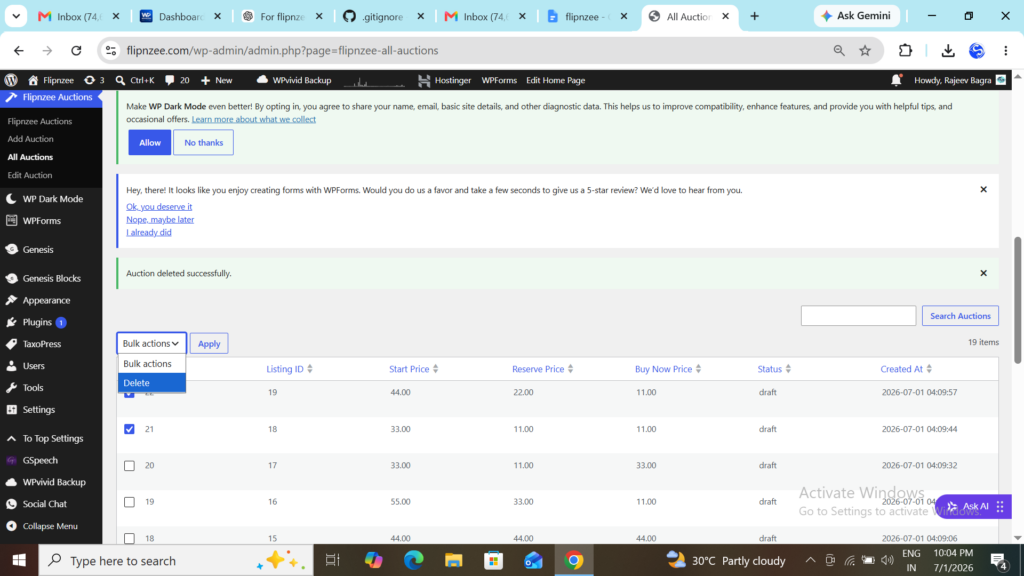
After completing this lesson:
- ✔ Multiple auctions can be selected
- ✔ Clicking Delete removes every selected auction
- ✔ The table refreshes automatically
- ✔ A success message confirms the deletion
- ✔ The plugin behaves similarly to the built-in WordPress Posts screen
Final Thoughts
This lesson introduces one of the most useful administrative features in any WordPress plugin: processing bulk actions.
You’ll learn how WP_List_Table communicates selected rows to your plugin and how to process those requests securely. The same approach can later be extended to bulk activation, bulk closing of auctions, exporting records, changing statuses, and many other administrative operations.
In the next lesson, we’ll continue improving the auction management interface by adding additional professional features and refining the administrator experience.