
Lesson 36: Automatically Close Expired Auctions in the Flipnzee Auctions Plugin

In the previous lesson, we implemented the ability to manually activate auctions whose scheduled start time had arrived. That completed the first half of the auction lifecycle.
Now it’s time to implement the second half.
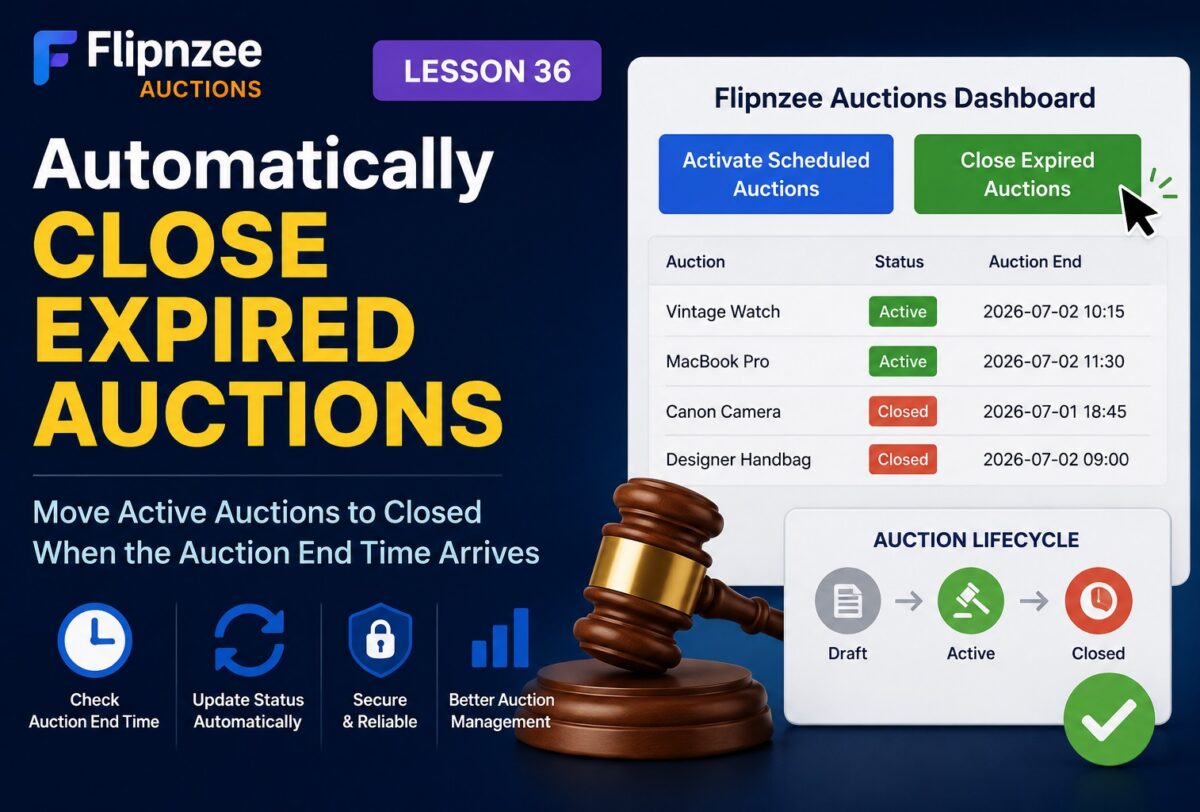
When an auction reaches its scheduled end time, it should no longer accept bids. Instead, it should automatically move from Active to Closed.
In this lesson, we’ll build the first version of that functionality using a manual administrator action. Later, we’ll automate the entire process using WP-Cron.
What You Will Learn
By the end of this lesson, you will know how to:
- Create a function to close expired auctions.
- Update multiple auctions using a single SQL query.
- Add a “Close Expired Auctions” button to the dashboard.
- Secure administrator actions using WordPress nonces.
- Display success messages after processing.
- Prepare your plugin for automatic auction management.
Why Closing Auctions Matters
Every auction platform needs a clearly defined lifecycle.
Draft
   │
   ▼
Active
   │
Auction End Reached
   ▼
Closed
Once an auction is closed:
- No more bids should be accepted.
- The winner can be determined.
- Escrow payment can begin.
- Ownership transfer can be initiated.
Without a closing mechanism, auctions would remain active indefinitely.
What We Will Build
We’ll implement a new manager function:
Flipnzee_Auction_Manager::close_expired_auctions();
This function will:
- Find auctions where:
- Status = Active
- Auction End has passed
- Update their status to:
closed
Dashboard Improvements
The Flipnzee Auctions dashboard will receive another administrator tool.
Activate Scheduled Auctions

Close Expired Auctions
This allows administrators to manually manage the auction lifecycle during development.
Security
Like previous admin actions, this feature will include:
- Capability checks
- WordPress nonces
- Safe redirects
- Administrator-only access
Following WordPress security best practices keeps the plugin production-ready.
Why Manual Closing First?
Eventually, this process should happen automatically.
However, implementing manual closing first offers several advantages:
- Easier debugging
- Faster testing
- Immediate verification
- No dependency on scheduled cron events
This incremental approach reduces complexity while ensuring each component works correctly.
Database Changes
No database changes are required.
We already have everything needed:
- Auction Status
- Auction End
- Current WordPress time
We’ll simply update qualifying rows.
Expected Workflow
Administrator clicks

Close Expired Auctions
        │
        ▼
Plugin checks all auctions
        │
        ▼
Auction End <= Current Time?
        │
      Yes
        │
        ▼
Status changes:
Active → Closed
Production Benefits
By completing this lesson, the plugin will support nearly the entire auction lifecycle:
- ✅ Draft auctions
- ✅ Scheduled auctions
- ✅ Active auctions
- ✅ Closed auctions
This is another major milestone toward transforming Flipnzee Auctions into a production-grade marketplace plugin.
Implementation Lesson 36: Automatically Close Expired Auctions in Flipnzee Auctions
What Comes Next?
In the next lesson, we’ll improve the administrator experience by adding auction statistics to the dashboard, including:
- Total Auctions
- Draft Auctions
- Active Auctions
- Closed Auctions
- Scheduled Auctions
These live statistics will give administrators an instant overview of marketplace activity and prepare the dashboard for future analytics and reporting.