
Lesson 107: Improving Auction Results When the Reserve Price Is Not Met

Introduction
In Lesson 106, we implemented one of the most important business rules of any auction platform: a winner is no longer declared if the highest bid does not meet the reserve price. We also confirmed that no transaction or transfer records are created in such cases.
While the backend logic now works correctly, the frontend still needs improvement. For example, after an unsuccessful auction, users currently see confusing information such as:
Auction Closed

Winning Bid: $0.00
Although technically no winner exists, this message can mislead both buyers and sellers.
In this lesson, we will focus on polishing the auction closing experience by clearly communicating that the reserve price was not met.
Objectives
By the end of this lesson, Flipnzee Auctions will:
- Detect unsuccessful auctions on the frontend.
- Display a clear “Reserve Price Not Met” message.
- Show the highest bid instead of “$0.00”.
- Explain why no winner was declared.
- Improve the overall user experience.
- Prepare the plugin for future auction result badges and reporting.
Why This Improvement Is Important
Professional auction platforms do more than enforce business rules—they also explain the outcome to users.
Instead of confusing visitors with:
Auction Closed

Winning Bid: $0.00
Flipnzee Auctions should display:
🔒 Reserve Price Not Met

Highest Bid: $10.00

Reserve Price: $200.00

No winner was declared because the reserve price was not reached.
This gives both buyers and sellers complete clarity.
Features We Will Implement
During this lesson we will:
- Detect when an auction ends without meeting its reserve price.
- Replace the “Winning Bid” section with a reserve status message.
- Display the highest bid received.
- Display the reserve price.
- Prevent misleading winner information.
- Improve the shortcode output used on auction pages.
Expected Result
Successful auction:
🏆 Auction Closed

Winning Bid: $650

Winner:
John Doe
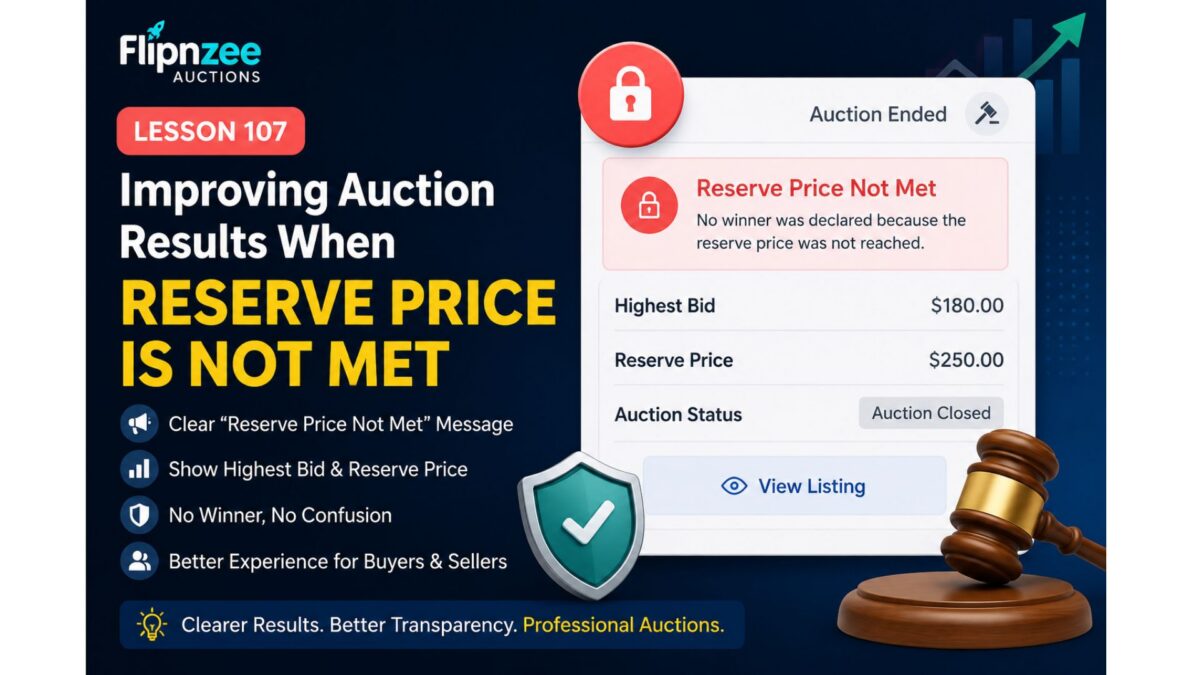
Reserve not met:
🔒 Auction Closed

Reserve Price Not Met

Highest Bid: $180

Reserve Price: $250

No winner was declared.
Files Expected to Change
During implementation we will mainly modify:
includes/class-shortcodes.php
Possible minor updates may also be made to:
assets/css/frontend.css
for improved styling of the new reserve notice.
What You’ll Learn
In this lesson you will learn how to:
- Improve frontend auction UX.
- Display different content based on auction outcome.
- Separate business logic from presentation.
- Make auction results easier for buyers and sellers to understand.
Final Thoughts
Lesson 106 ensured that Flipnzee Auctions behaves correctly by enforcing reserve prices. Lesson 107 completes that work by making the auction results clear and informative for users.
By the end of this lesson, unsuccessful auctions will no longer appear broken or confusing. Instead, visitors will immediately understand that the auction ended without a sale because the seller’s reserve price was not reached, bringing Flipnzee Auctions one step closer to the polished experience expected from modern digital asset marketplaces.