
Lesson 55 – Automatic Auction Lifecycle Management

Why This Lesson?
In the previous lesson, we improved how closed auctions are displayed to visitors. However, there is still an important aspect of a professional auction system that happens behind the scenes: managing the auction lifecycle.
An auction doesn’t simply display different information after its end time—it progresses through defined states such as Active, Closed, and Sold. Keeping these states accurate ensures the rest of the plugin behaves consistently.
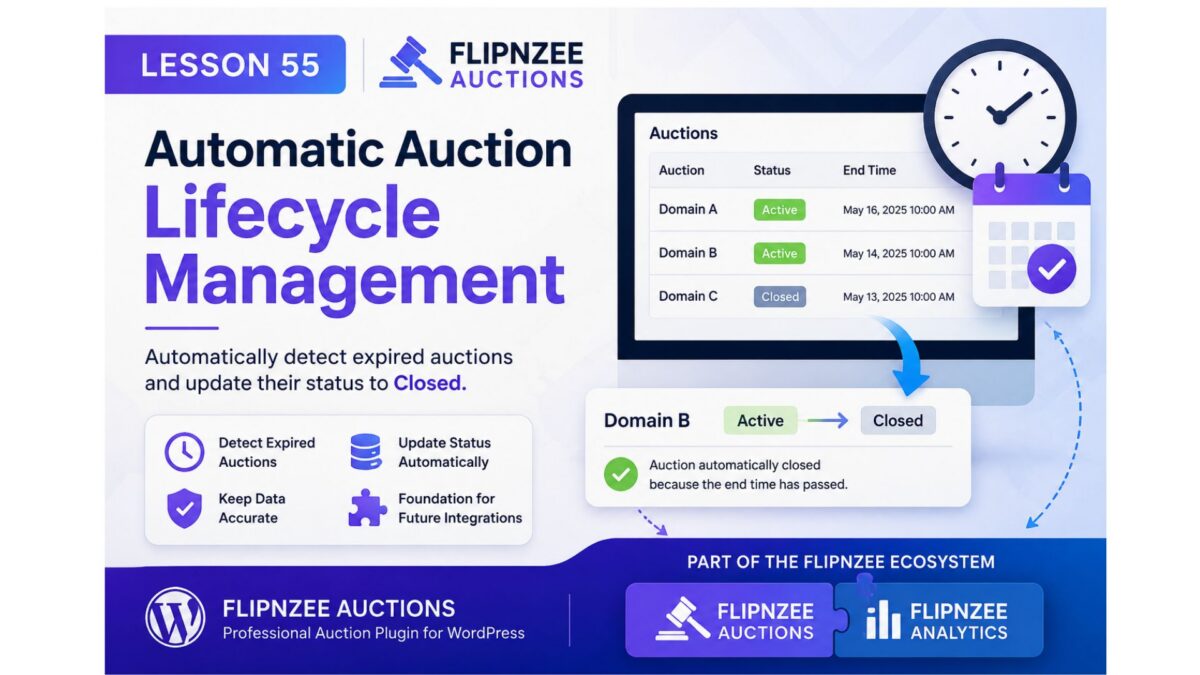
This lesson introduces automatic lifecycle management by allowing the plugin to recognize when an active auction has expired and update its status accordingly.
Although this feature is simple, it lays the foundation for future capabilities such as scheduled processing, winner notifications, payment workflows, and analytics integration.
Why It Matters
Every professional application has a clear business lifecycle.
For Flipnzee Auctions, that lifecycle includes:
Draft
   ↓
Published
   ↓
Active
   ↓
Closed
   ↓
Sold (future)
Instead of relying on administrators to manually update statuses, the plugin should keep auction records synchronized with real-world events.
Learning Objectives
By completing this lesson, you will learn how to:
- Separate business logic from presentation.
- Automatically manage auction states.
- Write reusable methods that can be called throughout the plugin.
- Keep the database synchronized with auction expiry.
- Prepare the plugin for future automation features.
What We’ll Build
We’ll introduce a dedicated method inside the Auction Manager that:
- Finds auctions that are still marked as Active.
- Checks whether their end date and time have passed.
- Updates only those auctions to Closed.
The method will be reusable and can later be called by scheduled tasks or other parts of the plugin.
Why This Fits the Flipnzee Ecosystem
Although Flipnzee Auctions and Flipnzee Analytics are separate plugins, they are designed to complement one another as part of the Flipnzee Platform.
Maintaining an accurate auction status benefits not only the Auctions plugin but also provides reliable events that other Flipnzee plugins can use.
For example, future integrations could respond when an auction closes by:
- Refreshing marketplace statistics.
- Updating auction dashboards.
- Recording historical trends.
- Triggering winner notifications.
- Calculating conversion metrics.
By keeping the auction lifecycle accurate, we create a stronger foundation for the entire Flipnzee ecosystem.
Scope of This Lesson
To keep the lesson focused, we will only:
- Detect expired active auctions.
- Update their status to Closed.
- Keep the implementation reusable.
We will not introduce background scheduling or email notifications yet. Those topics will be covered in future lessons.
Expected Behaviour
| Auction | Current Status | End Time | Result |
|---|---|---|---|
| Domain A | Active | Tomorrow | Remains Active |
| Domain B | Active | Yesterday | Automatically Closed |
| Domain C | Closed | Yesterday | No Change |
Only auctions that are both Active and Expired will be updated.
Files Expected to Change
The implementation should require only a small number of changes, primarily within:
includes/class-auction-manager.php- One location where auctions are retrieved before being displayed.
No database schema changes or user interface redesigns are expected.
Looking Ahead
This lesson begins the Auction Lifecycle series.
Future lessons can build upon it with features such as:
- WP-Cron automation.
- Winner and seller notifications.
- Auction archive pages.
- Marketplace statistics.
- Integration hooks for other Flipnzee plugins.