
Lesson 59 – Build an Admin Activity Log Viewer for Flipnzee Auctions

Difficulty
Intermediate
What You’ll Learn
In this lesson, you’ll build the first administrative interface for the new logging system.
Instead of opening activity.log via File Manager or FTP, administrators will be able to read recent plugin activity directly from the WordPress dashboard.
By the end of this lesson, your plugin will:
- Read the activity log file
- Display recent entries inside wp-admin
- Handle missing log files gracefully
- Limit the number of displayed entries
- Escape output securely
- Prepare the foundation for future filtering and search
Why This Matters
Professional plugins don’t require developers to inspect server files.
They provide useful diagnostics directly inside WordPress.
This lesson transforms the logging system from a developer-only feature into an administrator-friendly tool.
What We’ll Build
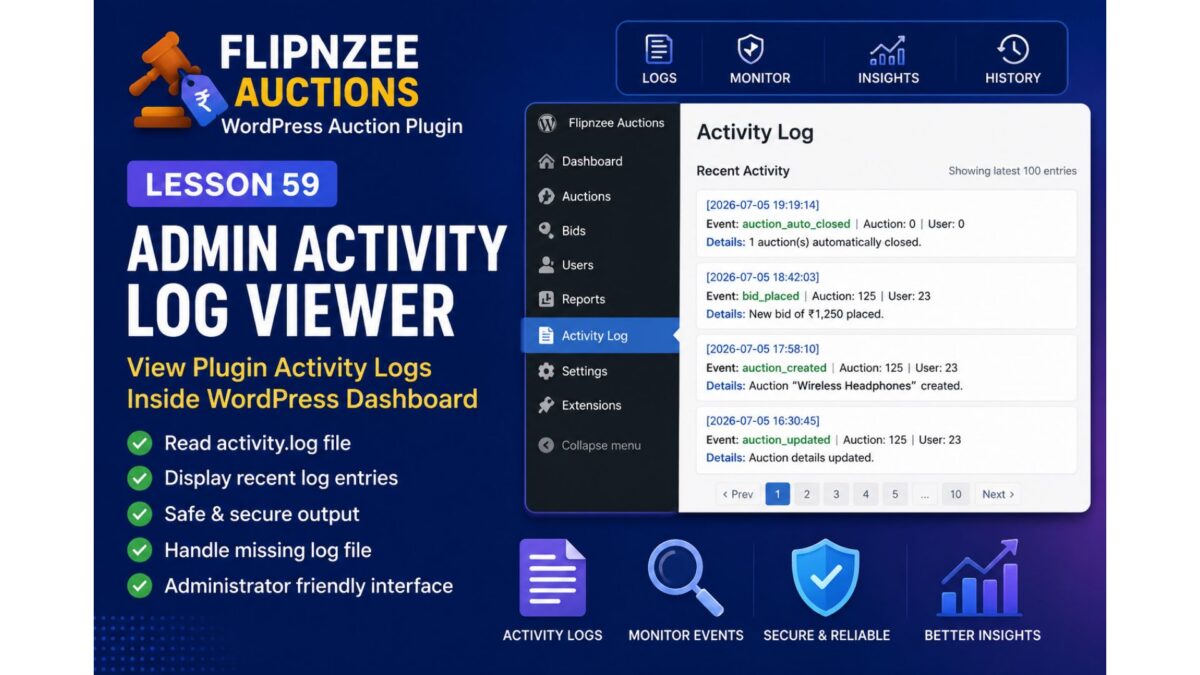
A new admin page similar to:
Flipnzee Auctions
│
├── Dashboard
├── Auctions
├── Activity Log   ← NEW
└── Settings
The page will display something like:
Recent Activity

[2026-07-05 19:19:14]
Auction automatically closed

------------------------------------

[2026-07-05 18:42:03]
Bid placed

------------------------------------

[2026-07-05 17:58:10]
Auction created
Implementation Roadmap
Step 1
Create a new admin page:
Activity Log
Step 2
Locate
wp-content/uploads/
flipnzee-logs/activity.log
Step 3
Read the log safely using WordPress filesystem functions.
Step 4
Display only the most recent entries (for example, last 100 lines).
Step 5
Escape all output using:
esc_html()
Step 6
Show a friendly message if the log file doesn’t exist:
No activity has been recorded yet.
Step 7
Add basic styling for readability.
Best Practices You’ll Learn
- Reading files safely
- Preventing XSS with escaped output
- Building admin pages
- Working with plugin-generated files
- Preparing data for future search/filter features
Files We’ll Modify
admin/class-admin.php
admin/class-admin-activity-log.php (new)
assets/admin.css (optional)
Skills You’ll Gain
After this lesson, you’ll know how to:
- Create professional admin tools
- Display plugin-generated files
- Build diagnostic pages
- Improve administrator experience
- Extend your plugin without touching the frontend
What Comes Next
After completing this lesson, we’ll continue with:
Lesson 60 – Add a “Clear Activity Log” Button with WordPress Nonce Protection
In that lesson, administrators will be able to safely clear the activity log from the dashboard, while learning secure form handling and nonce verification.
This sequence will gradually turn Flipnzee Auctions into a production-quality WordPress plugin with professional monitoring and maintenance features.