
Understanding the WordPress Hook System: Actions vs Filters

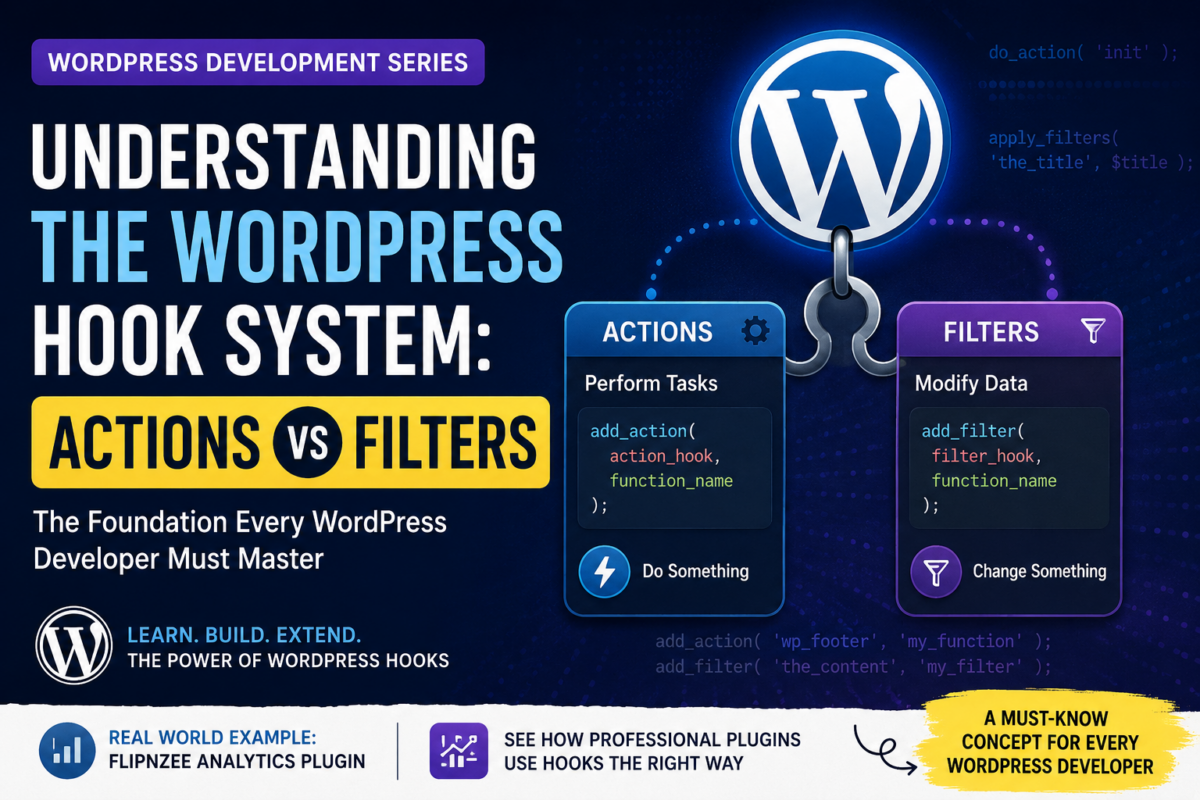
Series: WordPress Development From Scratch
Level: Beginner
Project Reference: Flipnzee Analytics
Introduction
If WordPress plugins are the engine that powers customization, then hooks are the fuel that makes everything work.
Virtually every WordPress plugin relies on hooks.
Whether you’re creating:
- A contact form plugin
- An SEO plugin
- An analytics dashboard
- An eCommerce extension
you’ll be working with hooks every day.
In fact, the Flipnzee Analytics plugin uses numerous hooks to integrate seamlessly with WordPress without modifying any core files.
In this tutorial you’ll learn:
- What WordPress hooks are
- Why hooks exist
- The difference between Actions and Filters
- How to create your own Action hooks
- How to create your own Filter hooks
- How real plugins use hooks
By the end, you’ll understand one of the most important concepts in WordPress development.
What Is a Hook?
A hook is a point in WordPress where developers can attach their own code.
Think of WordPress as a train traveling along a track.
At various stations, WordPress pauses and says:
“Would any plugin like to do something here?”
Those stations are called hooks.
Plugins register functions to run when a specific hook is reached.
This allows developers to extend WordPress without editing core files.
Why Hooks Matter
Without hooks, plugin developers would need to modify WordPress itself.
That would create several problems:
- Updates would overwrite changes
- Different plugins would conflict
- Maintenance would become difficult
Hooks solve these problems by creating a standard extension system.
The Two Types of Hooks
WordPress provides two categories of hooks:
1. Actions
Actions perform tasks.
Examples:
- Send an email
- Add a menu
- Display content
- Load CSS files
Actions do something.
2. Filters
Filters modify data.
Examples:
- Change a page title
- Modify content
- Adjust a URL
- Alter settings
Filters change something and return the modified value.
Understanding Actions
An Action allows you to run a function at a specific point in WordPress.
Example:
function wpnzee_footer_message() {
    echo "<p>Learning WordPress Development with WPNzee</p>";
}

add_action('wp_footer', 'wpnzee_footer_message');
When WordPress reaches the footer:
do_action('wp_footer');
your function executes automatically.
How Actions Work Behind the Scenes
WordPress Core:
do_action('wp_footer');
Your Plugin:
add_action('wp_footer', 'wpnzee_footer_message');
Result:
WordPress reaches footer
↓
wp_footer fires
↓
Your function runs
↓
Message appears
Common Action Hooks
Here are some popular action hooks:
| Hook | Purpose |
|---|---|
| init | Run code during WordPress initialization |
| admin_menu | Add dashboard menus |
| wp_enqueue_scripts | Load CSS and JavaScript |
| wp_footer | Output content in footer |
| wp_head | Output content in page head |
| save_post | Trigger when a post is saved |
Example: Adding an Admin Menu
function wpnzee_admin_menu() {

    add_menu_page(
        'WPNzee Plugin',
        'WPNzee Plugin',
        'manage_options',
        'wpnzee-plugin',
        'wpnzee_page'
    );

}

add_action('admin_menu', 'wpnzee_admin_menu');
This action creates a new menu inside the WordPress dashboard.
Understanding Filters
Filters work differently.
Instead of performing an action, they modify data and return it.
Example:
function wpnzee_change_title($title) {

    return "WPNzee: " . $title;

}

add_filter('the_title', 'wpnzee_change_title');
Original title:
Learning WordPress
Modified title:
WPNzee: Learning WordPress
How Filters Work Behind the Scenes
WordPress:
$title = apply_filters('the_title', $title);
Your Plugin:
add_filter('the_title', 'wpnzee_change_title');
Process:
Original Value
↓
Filter Hook
↓
Your Function
↓
Modified Value
Common Filter Hooks
| Hook | Purpose |
|---|---|
| the_title | Modify titles |
| the_content | Modify content |
| excerpt_length | Change excerpt size |
| body_class | Add CSS classes |
| widget_title | Modify widget titles |
Action vs Filter
| Actions | Filters |
|---|---|
| Perform tasks | Modify data |
| Usually echo output | Must return value |
| Trigger events | Change values |
| add_action() | add_filter() |
A simple rule:
Actions do. Filters modify.
Real Example from Flipnzee Analytics
The Flipnzee Analytics plugin relies heavily on action hooks.
Examples include:
add_action('admin_menu', ...);
Used to create plugin dashboard pages.
add_action('wp_enqueue_scripts', ...);
Used to load frontend CSS and JavaScript.
add_action('admin_init', ...);
Used to initialize plugin settings and administrative functionality.
Without hooks, the plugin would not integrate properly with WordPress.
Creating Your Own Custom Action Hook
You can create hooks inside your own plugins.
Example:
do_action('wpnzee_after_report_generated');
Other developers can then hook into it:
function notify_admin() {

    error_log("Report generated");

}

add_action(
    'wpnzee_after_report_generated',
    'notify_admin'
);
This makes your plugin extensible.
Creating Your Own Custom Filter Hook
You can also create filters.
Plugin code:
$title = apply_filters(
    'wpnzee_report_title',
    'Analytics Report'
);
Another plugin:
function custom_report_title($title) {

    return "Monthly Analytics Report";

}

add_filter(
    'wpnzee_report_title',
    'custom_report_title'
);
Output:
Monthly Analytics Report
Common Beginner Mistakes
Forgetting to Return a Value
Incorrect:
function change_title($title) {

    $title = "New Title";

}
Correct:
function change_title($title) {

    return "New Title";

}
Echoing Inside Filters
Avoid:
echo $title;
Filters should return values.
Using Generic Function Names
Bad:
function display_menu()
Good:
function wpnzee_display_menu()
Always use prefixes.
What You’ve Learned
In this tutorial you learned:
✓ What hooks are
✓ Why hooks exist
✓ The difference between Actions and Filters
✓ How add_action() works
✓ How add_filter() works
✓ How WordPress executes hooks
✓ How Flipnzee Analytics uses hooks
✓ How to create custom hooks
Next Lesson
In the next tutorial we’ll explore:
WordPress Plugin File Structure Explained
You’ll learn how professional plugins organize files and how the Flipnzee Analytics plugin structure can help you build scalable WordPress projects.