
Lesson 101 — Implementing the Transfer Manager Foundation

Introduction
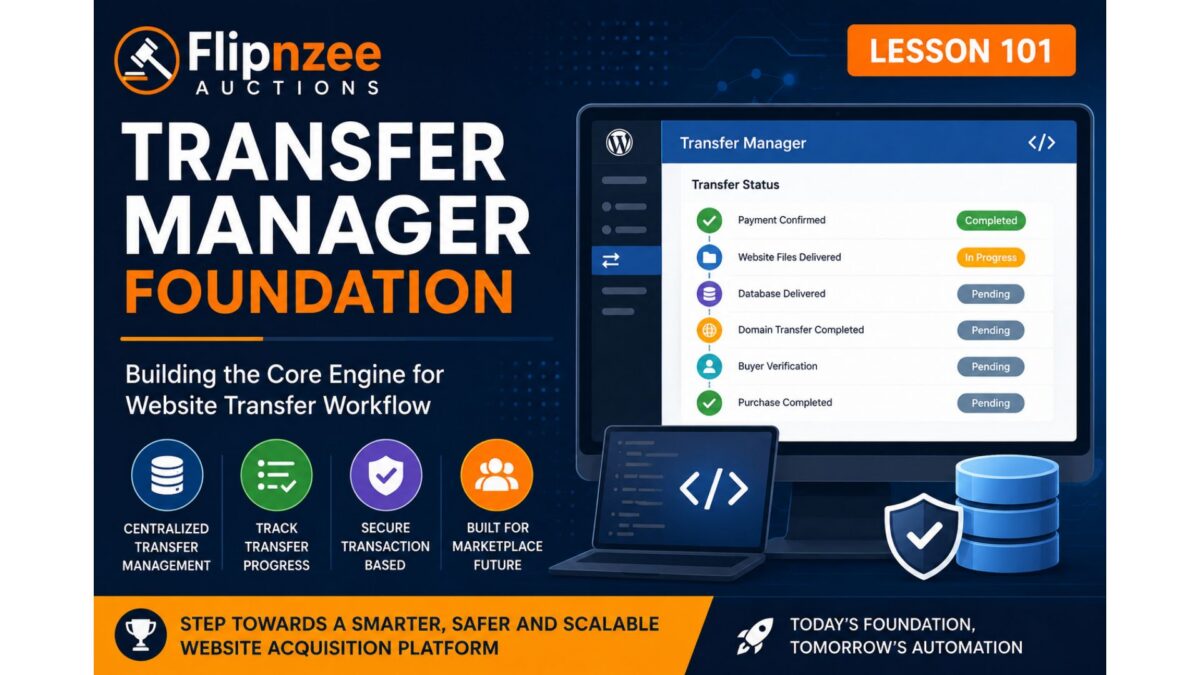
As the Flipnzee Auctions plugin continues to evolve into a professional platform for buying and selling websites, it is time to separate transfer management from the purchase details page.
Until Lesson 100, transfer progress was represented using hardcoded arrays inside the buyer purchase details page. While this allowed us to design and test the user interface, it is not suitable for a production-ready application.
Beginning with Lesson 101, we introduce a dedicated Transfer Manager class. This new class will become the central location for managing the website ownership transfer process after an auction has been won.
This architectural improvement keeps business logic separate from presentation, follows object-oriented design principles, and prepares the plugin for future marketplace support.
Objectives
In this lesson we will:
- Create a dedicated Transfer Manager class.
- Register the new class using the plugin loader.
- Centralize transfer-related logic.
- Prepare helper methods for transfer status retrieval.
- Prepare helper methods for transfer progress updates.
- Keep the purchase page fully functional.
- Lay the groundwork for future admin and seller transfer workflows.
Why Create a Transfer Manager?
Currently, the purchase details page performs several responsibilities:
- Displays purchase summary
- Displays transfer timeline
- Displays transfer status
- Displays purchase notes
- Displays buyer guidance
In addition, it currently stores transfer information directly inside the page itself.
That violates one of the most important software engineering principles:
A class should have one primary responsibility.
The purchase page should display information.
The Transfer Manager should manage transfer information.
New Architecture
Instead of this:
Purchase Details Page

├── Purchase Summary
├── Transfer Timeline
├── Transfer Status
├── Hardcoded Transfer Arrays
├── Notes
└── Buttons
We will move toward:
Purchase Details Page
        │
        │
        ▼
Flipnzee_Transfer_Manager
        │
        ├── Get Transfer Status
        ├── Update Transfer Status
        ├── Generate Timeline
        ├── Verify Completion
        └── Future Notifications
This dramatically improves maintainability.
Why Not Use Listing Meta?
During Lesson 100 we considered storing transfer progress using WordPress post meta attached to the listing.
However, that approach has an important limitation.
A website listing may eventually be sold more than once, particularly if someone uses the open-source Flipnzee Auctions plugin to build a marketplace where multiple sellers list digital assets.
Transfer progress belongs to an individual transaction, not the listing itself.
Therefore, future lessons will associate transfer data with transactions rather than listings.
This design also works perfectly for Flipnzee.com’s current business model, where only in-house websites are sold.
New File
A new class will be introduced:
includes/
    class-transfer-manager.php
Initially, the class will be lightweight.
Future lessons will gradually expand its capabilities.
Responsibilities of the Transfer Manager
Eventually this class will handle:
- Website files delivered
- Database delivered
- Domain transfer completed
- Buyer verification
- Seller confirmation
- Transfer completion
- Admin verification
- Transfer history
- Transfer notes
- Automatic progress calculations
- Future email notifications
Planned Public Methods
The class will gradually expose methods similar to:
get_transfer_status()

update_transfer_status()

get_transfer_steps()

is_transfer_complete()

get_transfer_percentage()

add_transfer_note()

get_transfer_history()
These methods keep transfer logic centralized and reusable throughout the plugin.
Benefits
Creating a dedicated Transfer Manager provides several advantages:
- Cleaner object-oriented architecture
- Easier maintenance
- Smaller purchase details page
- Better code reuse
- Easier testing
- Future marketplace compatibility
- Simpler notification integration
- Cleaner admin interface development
Development Roadmap
Lesson 101
- Create Transfer Manager class
- Register with loader
- Prepare architecture
Lesson 102
- Implement transaction-based transfer status retrieval
Lesson 103
- Allow admin to update transfer progress
Lesson 104
- Buyer dashboard displays live transfer progress
Lesson 105
- Seller transfer workflow
Lesson 106
- Transfer completion verification
Lesson 107
- Transfer history
Lesson 108
- Email notifications
Expected Outcome
After completing Lesson 101, the Flipnzee Auctions plugin will have a dedicated Transfer Manager integrated into the plugin architecture.
Although the buyer interface will continue using placeholder transfer data temporarily, the plugin will now have a solid foundation for implementing a fully dynamic, transaction-driven website transfer workflow in subsequent lessons.
This marks an important architectural milestone, transitioning the project from frontend presentation enhancements toward a scalable backend transfer management system.