
Lesson 45: Displaying Bid History in Flipnzee Auctions

In the previous lesson, we built the core bidding engine that allows logged-in users to place bids on an auction. Every successful bid is securely stored in the database and the current highest bid is updated automatically.
However, a real auction is about more than just the latest bid. Participants want to see the competition, understand how the auction has progressed, and gain confidence that the bidding process is transparent.
In this lesson, we’ll build a Bid History feature that displays every bid placed on an auction.
What You’ll Learn
By the end of this lesson you will know how to:
- Retrieve auction bids from the database
- Sort bids from highest to lowest
- Display bidder information
- Show bid timestamps
- Build a frontend bid history table
- Gracefully handle auctions with no bids
Why Bid History Matters
Imagine visiting an auction where only the highest bid is visible.
Questions immediately arise:
- How many people are bidding?
- When was the last bid placed?
- Has the auction been active?
- Is the current price increasing steadily?
Displaying bid history answers all these questions and makes the auction feel much more trustworthy.
What We Will Build
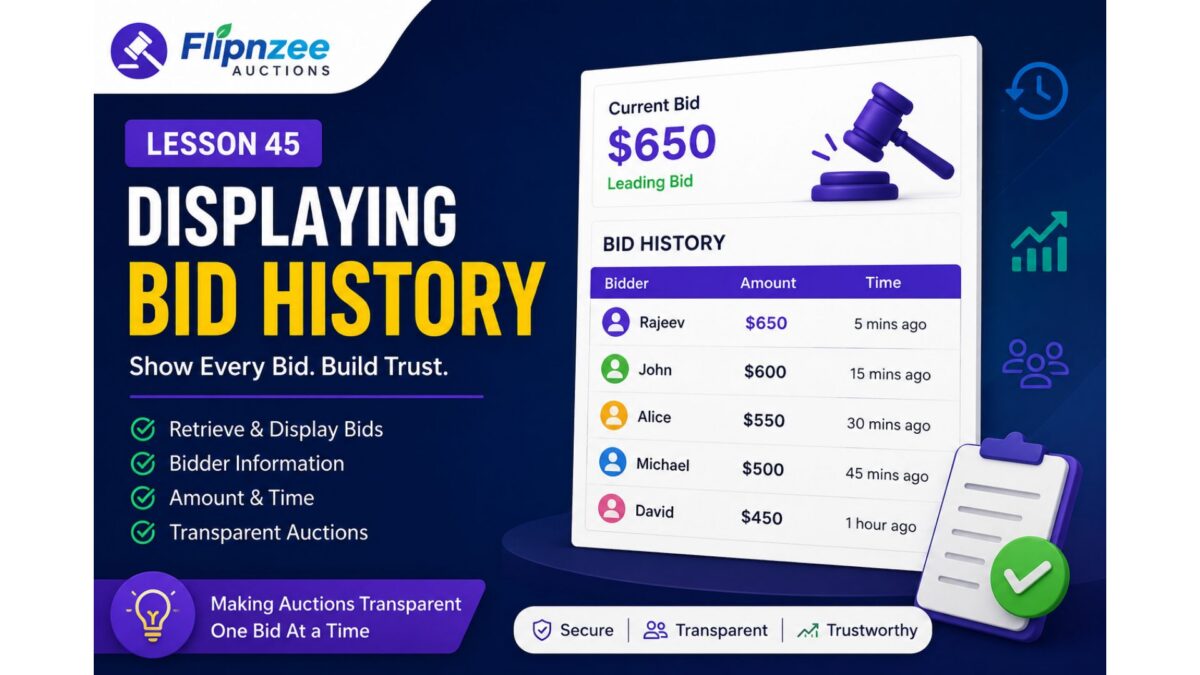
Each auction page will display something similar to this:
| Bidder | Amount | Time |
|---|---|---|
| Rajeev | $650 | 5 mins ago |
| John | $600 | 15 mins ago |
| Alice | $550 | 30 mins ago |
Visitors can immediately understand the progress of the auction.
New Functionality
We’ll enhance our plugin by adding:
- A database query to fetch bids
- Bid history retrieval method
- Frontend HTML table
- User name lookup
- Proper currency formatting
- Date and time formatting
User Experience Improvements
If no bids exist, instead of showing an empty table, visitors will see a friendly message such as:
No bids have been placed yet. Be the first bidder!
This small detail greatly improves usability.
Security Considerations
While displaying bids, we’ll ensure:
- All output is properly escaped
- User data is sanitized
- Only public information is displayed
- SQL queries use prepared statements
Following WordPress coding standards remains a priority.
Skills You’ll Practice
During this lesson you’ll gain experience with:
- Database retrieval using
$wpdb - Looping through database results
- Fetching WordPress user information
- Formatting frontend tables
- Escaping output correctly
- Improving frontend user experience
Expected Outcome
After completing this lesson, every auction page will show:
- Current highest bid
- Complete bid history
- Bidder names
- Bid amounts
- Bid timestamps
The auction will feel much more interactive and transparent.
Coming Up Next
After implementing bid history, we’ll continue improving the auction system with features such as:
- Minimum bid increments
- Automatic auction closing
- Declaring the winning bidder
- Buy Now functionality
- Auction status badges
- Email notifications
Each lesson will move Flipnzee Auctions closer to becoming a fully featured marketplace plugin.