
Lesson 68: Build the Buyer Transaction Details Page

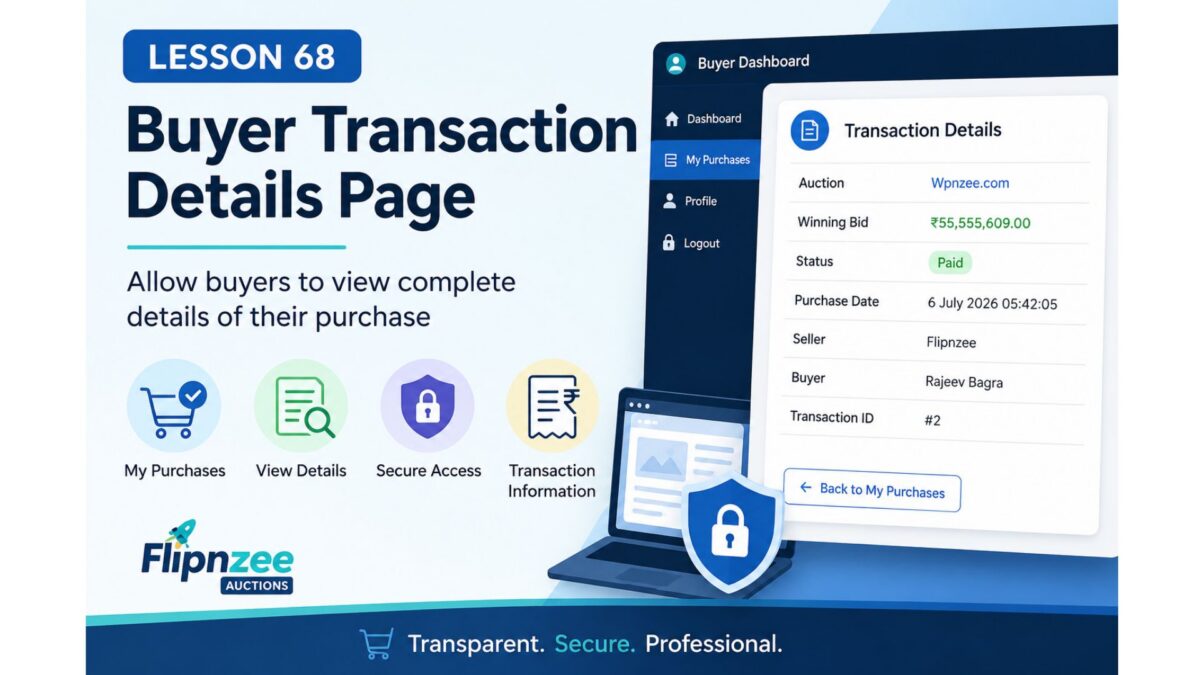
Why This Lesson?
In Lesson 67, buyers gained a My Purchases dashboard listing all their purchased websites.
The next logical step is allowing buyers to click a purchase and view complete transaction information, just as administrators can from the WordPress dashboard.
This improves transparency and prepares the platform for payment confirmation, invoices, and future escrow integration.
What We Will Build
Instead of showing only:
| Auction | Winning Bid | Status | Purchased |
|---|
buyers will be able to click View Details and see a dedicated transaction page.
Example:
Transaction Details

Auction:
Wpnzee.com

Winning Bid:
₹55,555,609.00

Status:
Paid

Purchase Date:
6 July 2026

Seller:
Flipnzee

Buyer:
Rajeev Bagra

Transaction ID:
#2
Features
During this lesson we will:
- Create a Buyer Transaction Details shortcode.
- Pass the transaction ID securely.
- Verify that the logged-in user owns the transaction.
- Retrieve the transaction from the database.
- Display all transaction information.
- Prevent unauthorized users from viewing someone else’s purchases.
Files Expected to Change
includes/class-my-purchases.php
includes/class-my-purchase-details.php
includes/class-shortcodes.php
flipnzee-auctions.php
New Shortcode
[flipnzee_purchase_details]
New Workflow
Buyer Login
      │
      ▼
My Purchases
      │
      ▼
View Details
      │
      ▼
Purchase Details
Skills You’ll Learn
- Passing IDs through URLs
- Secure ownership verification
- Database lookups using
$wpdb->prepare() - Protecting private user data
- Building frontend detail pages
- Creating reusable shortcode-based pages
Expected Outcome
By the end of Lesson 68, every buyer will have:
- A purchase history page (completed in Lesson 67).
- A dedicated page for each purchase.
- Secure access limited to their own transactions.
- A foundation for future features such as payment receipts, invoices, escrow updates, download links, and support requests.
Why this is a better priority than a Seller Dashboard
Since Flipnzee Version 1 will only list websites sold by your own business, you already manage sales through the WordPress admin:
- Listings
- Bids
- Transactions
- Transaction Details
- Activity Log
Your buyers, however, have no admin access. Enhancing their experience adds more value for Version 1 and lays the groundwork for future marketplace capabilities.