Lesson 126: Preparing Escrow.com API Credentials and Environment Configuration

Overview
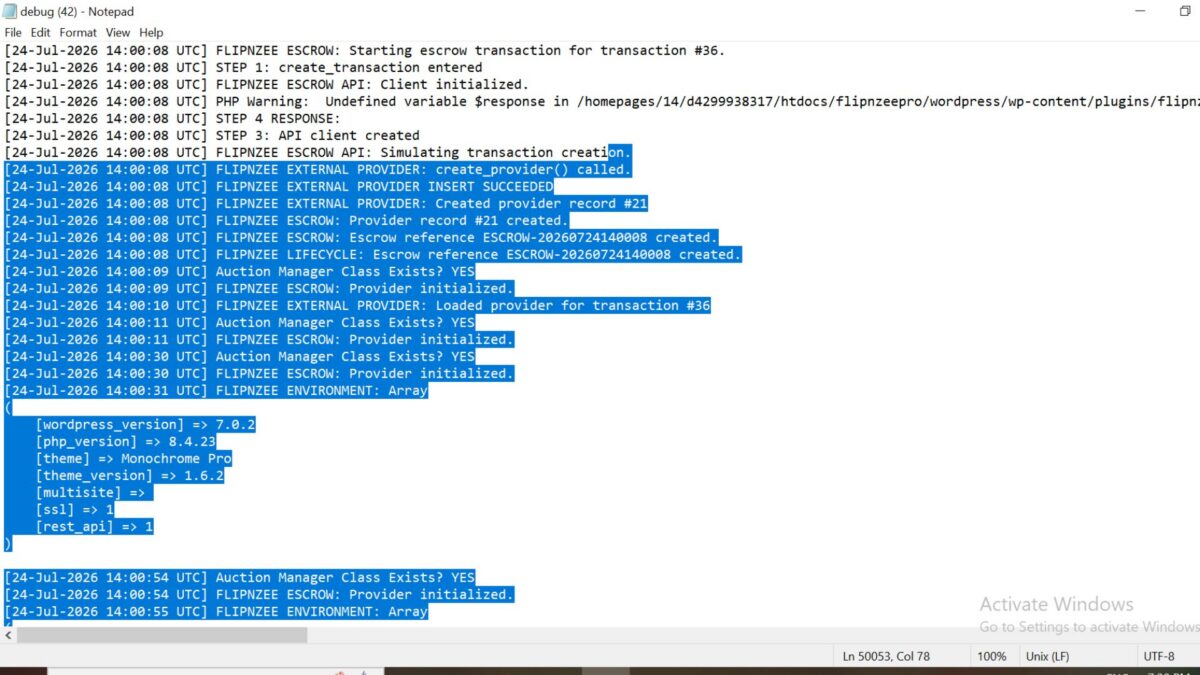
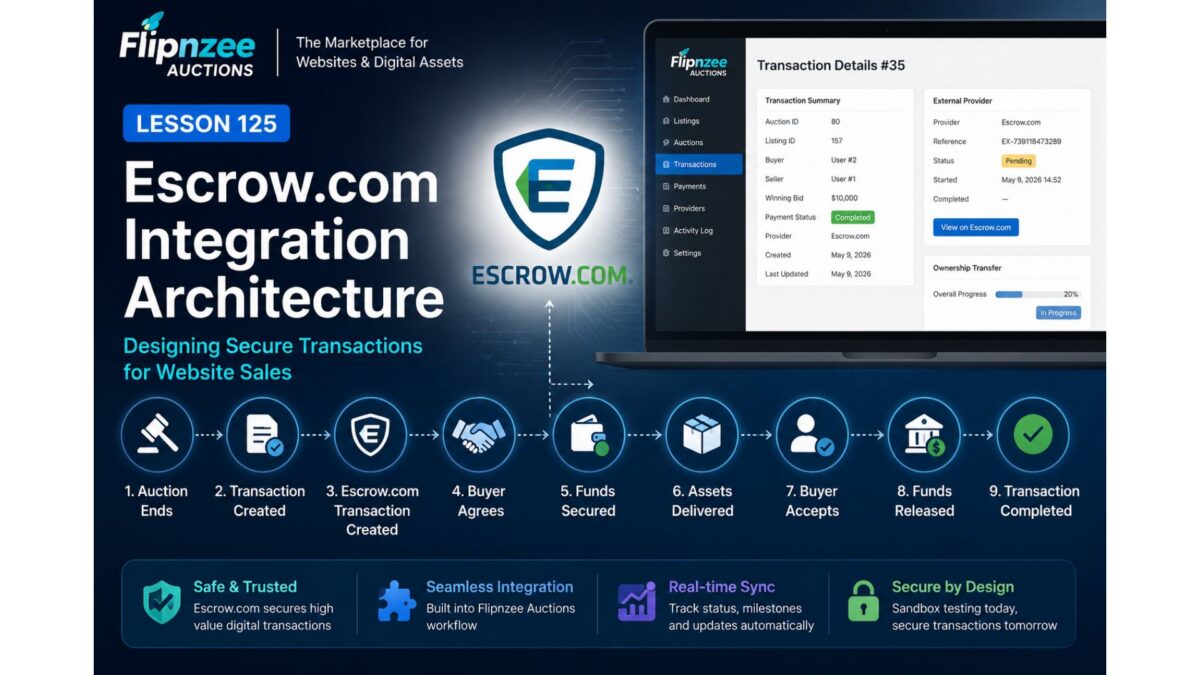
In Lesson 125, Flipnzee Auctions introduced a dedicated Escrow API Client that separates API communication from the rest of the auction workflow. The client currently operates entirely in simulation mode, allowing the plugin to behave like a production system without contacting Escrow.com’s servers.
The next step is to prepare the plugin for real-world integration by introducing configurable API credentials and environment settings.
Rather than hardcoding URLs, usernames, or API keys into the source code, professional software stores these values in a secure configuration interface. This lesson lays that foundation.
Why This Lesson Matters
A production plugin should never contain credentials inside PHP files.
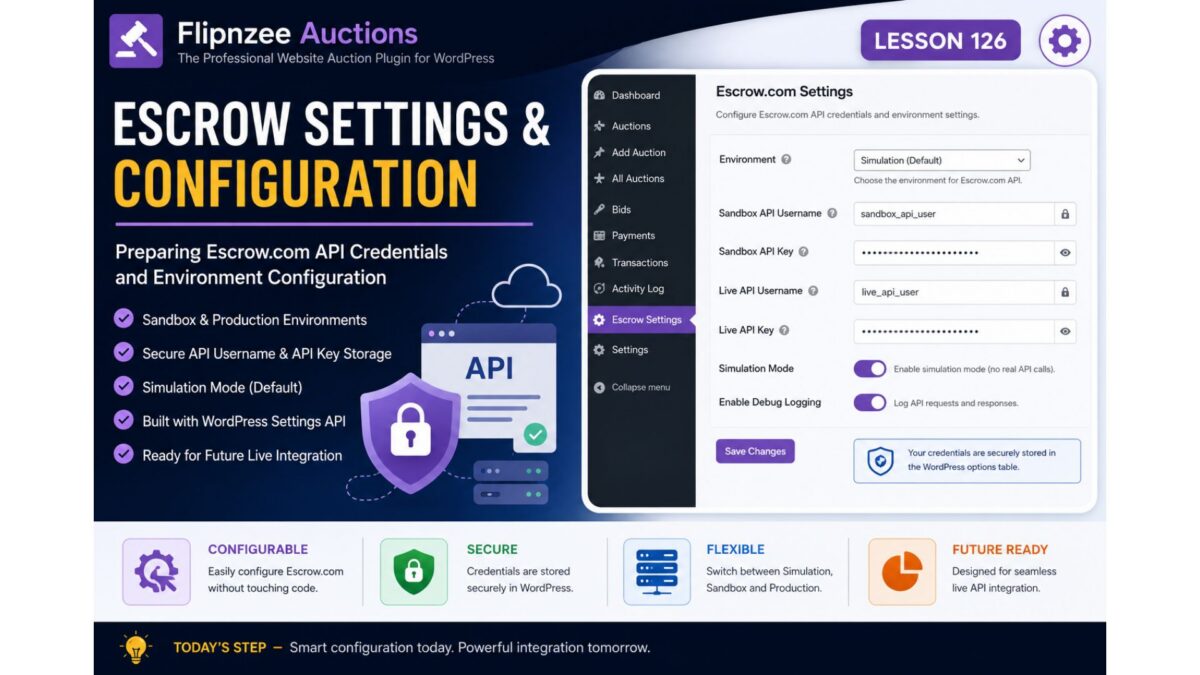
Instead, administrators should be able to configure:
- Escrow Environment
- Sandbox credentials
- Live credentials
- API username
- API key
- Enable/Disable simulation mode
This makes the plugin:
- safer
- easier to deploy
- easier to migrate
- suitable for multiple environments
Objectives
During this lesson we will:
- create an Escrow Settings page
- register plugin options
- securely store credentials in WordPress options
- allow Sandbox vs Live selection
- update the API Client to read configuration instead of hardcoded values
- continue operating in simulation mode by default
No live API requests will be made yet.
What Will Be Added
A new administration page:
Flipnzee Auctions
    └── Escrow Settings
It will contain fields such as:
- Environment
Simulation
Sandbox
Production
- Sandbox API Username
- Sandbox API Key
- Live API Username
- Live API Key
- Enable Debug Logging
Simulation Remains the Default
Even after credentials are introduced, the plugin will continue using simulation mode.
This is intentional.
The goal is to verify:
- settings storage
- configuration loading
- environment switching
before sending any real HTTP requests.
Updating the API Client
Currently the API client contains values similar to:
const SANDBOX_URL = 'https://api.escrow-sandbox.com/2017-09-01';
const LIVE_URL    = 'https://api.escrow.com/2017-09-01';
After this lesson it will also retrieve:
- username
- API key
- environment
- simulation flag
from the plugin settings instead of hardcoded values.
This means future lessons can switch between Simulation, Sandbox, and Production without changing any PHP code.
Benefits
After Lesson 126 the Escrow subsystem becomes much more flexible.
Instead of editing source files, administrators will simply configure credentials through WordPress.
The API Client becomes environment-aware while remaining completely isolated from the rest of the payment workflow.
This mirrors how mature commercial plugins manage third-party integrations.
Looking Ahead
Lesson 126 prepares the configuration layer.
The next lessons will build on it:
- Lesson 127 – Sending the First Real HTTP Request Using the WordPress HTTP API (initially to a safe endpoint or authentication check).
- Lesson 128 – Creating Live Escrow Sandbox Transactions.
- Lesson 129 – Synchronizing Transaction Status from Escrow.com.
- Lesson 130 – Automatic Status Updates and Administrative Monitoring.
Conclusion
Lesson 126 moves Flipnzee Auctions another step toward production readiness by introducing configurable Escrow.com settings. Although the plugin continues to operate in simulation mode, the underlying architecture is now prepared to support Sandbox and Production environments without modifying the source code. This configuration-first approach improves security, simplifies deployment, nd provides a stable foundation for live API communication in the lessons that follow.